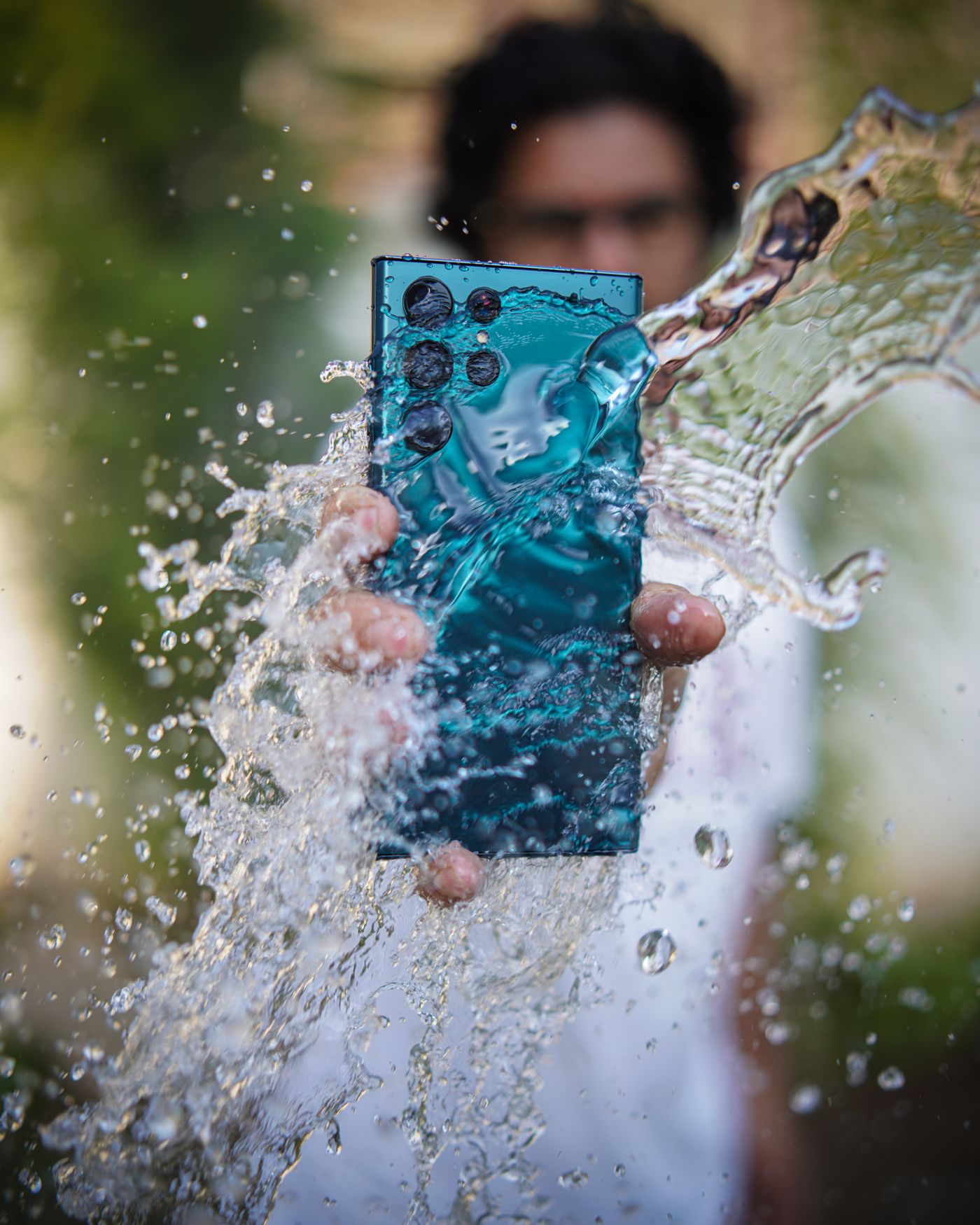
A Samsung that has been in water is not broken the way a dropped Samsung is broken. Nothing has snapped. Water has reached a circuit board that still has a battery attached to it, and two separate problems start at the same moment.
The first one is immediate. Water carries current between points on the board that were never meant to be connected, and that is the phone that dies in your hand, restarts on its own, or comes up with a screen full of lines.
The second one is slower and does the real damage. Water leaves behind whatever was dissolved in it, and that residue corrodes the board from then on. Samsung puts it plainly on its own support page: internal damage or corrosion may occur even if the device appears to work normally. That is the phone that comes out of the pool on Saturday, behaves all weekend, and will not charge by Wednesday.
The first hour matters because of the second problem, not the first. You are not really trying to dry the phone. You are cutting the power and getting the residue off the board before it settles in.
What the water is actually doing
The board inside a Galaxy is live any time the battery is connected, screen on or screen off. Water sitting across it makes connections the designers never drew, and the phone behaves accordingly.
Corrosion needs three things together: metal, moisture and current. The phone supplies the metal, the water supplies the moisture, and the battery supplies the current for as long as it stays connected. Switching the phone off and leaving it off takes one of the three away. Samsung’s first instruction for a Galaxy that has been in water is to turn the device off, and its last one is that it is best not to power the phone on again until a service centre has checked it.
What the water carried in matters as much as the water. Tap water leaves minerals. Pool water leaves chlorine and whatever else is in the pool. Sea water leaves salt, which conducts electricity and keeps pulling moisture out of the air long after the phone feels dry to the touch. Samsung’s list of liquids that its water resistance does not cover starts with salt water and pool water, and goes on to soapy water, oils, perfumes, sunscreen, hand sanitiser, cosmetics and anything containing alcohol. Sunscreen and pool water on the same list is a fair description of a Durban December.
The first hour, before you pay anyone
None of this costs anything and none of it needs a repair shop.
1. If the phone is still on, switch it off. Do not press the side key to see whether the screen still works, and do not open the camera to check. If the screen is already black, leave it black. Trying to bring it back is the worst thing you can do to a wet board.
2. Do not plug in a charger. Samsung’s instruction is not to connect a charger or accessories until the device is fully dry. A charger pushes current through water.
3. Take out the SIM tray, and the memory card if there is one. It opens a drain path and lets air into the body of the phone.
4. Wipe the phone with a soft, clean cloth until the outside is dry.
5. Hold the phone with the charging port facing downwards and shake it gently, five to ten times, to move water out of the port. Samsung gives this step and gives a warning with it: excessive force or shaking may damage the phone.
6. Leave it on a cloth in a well ventilated place, or in the shade with cool air from a fan. Give it as long as you can stand before anyone tries to switch it on.
7. Keep heat away from it. Samsung says not to use a hair dryer or hot air, and not to use soap, detergents, abrasive substances, other chemicals, compressed air, ultrasonic cleaning or any external heat source.
A phone that went into fresh water for a second, came out, was switched off quickly and dried properly has a reasonable chance of coming back on its own, and then you never speak to us at all.
If it was the sea or the pool
This is where South Africa parts company with the overseas repair sites currently answering this question.
Samsung tested the water resistance in fresh water. The 8 in IP68 is the water figure, and Samsung describes the test as a phone submerged in 1.5 metres of fresh water for 30 minutes. Nothing in that test resembles the sea off Umhlanga or a chlorinated pool in Hillcrest.
For a water resistant Galaxy that has been in dirty water, sea water or pool water, Samsung’s instruction surprises people: rinse it in clean water for one to three minutes, then wipe it with a soft cloth and dry it completely. The point is the residue. When sea water dries the salt stays behind on everything it touched, and salt on a circuit board carries on corroding it for weeks. Rinsing takes the salt off while it is still soluble.
That instruction is written for a phone whose water resistance is intact, and a phone that has been opened before is not one. Samsung’s advice for a phone that was never water resistant to begin with runs the other way: switch it off, take out the SIM and memory card, wipe it, and get it looked at without switching it on again.
Sea water brings a second problem that has nothing to do with the board. Samsung notes that after sea water the microphone, speaker or earpiece may be blocked by salt or sand. Calls that sound muffled after a beach day usually start there rather than at the network.
The coast also produces the version of this with no water in it at all. Samsung states that exposure to environments with high humidity may trigger the water drop icon on its own, so a Galaxy in Durban can refuse to charge on a February morning having never been near a pool.
Why rice does not work
Rice appears nowhere in Samsung’s instructions. What Samsung gives is the cloth, the gentle shake with the charging port facing downwards, and a well ventilated place or cool air from a fan.
Rice fails because the water is not on the outside. It is inside a sealed body, sitting on a board, and a bowl of rice around the outside has no way to reach it. Rice dries the air near the phone slowly, and the phone then dries at whatever rate air moves through the few small openings it has. Moving air does that better, which is why Samsung names a fan and names no grain.
While the phone sits in the bowl the battery is usually still connected and the corrosion is running. An overnight bowl of rice costs you the hours that mattered most.
Rice also adds a problem the phone did not have. Bags of rice carry broken grains and starch dust, and wet rice gives off more of it, which works its way into the charging port and the speaker grilles. Apple thought this common enough to put in writing on its own support page, telling people not to put a wet phone in a bag of rice because rice particles can damage it.
The one thing rice does well is make people feel they have done something. What the phone needed in those hours was the power off and the residue rinsed away.
The liquid damage indicator, and why the counter already knows
Galaxy phones carry a liquid damage indicator, a small sticker that changes colour permanently the moment liquid reaches it. On models with a SIM tray it sits inside the SIM or memory card slot.
You can check it yourself in under a minute. Switch the phone off, pop the tray out with the ejector pin, and shine a light into the empty slot. White, or white with light pink or purple markings, means liquid has not reached it. Solid pink, purple or red means it has.
It answers one question and no others. It does not say how much water got in, where the water went, or whether anything is damaged. It also does not reset, which is why a phone that took a splash two years ago still shows red today.
That last point decides the warranty question. Samsung’s warranty terms exclude spillage of food or liquid and exposure to moisture, dampness or extreme thermal or environmental conditions, so liquid damage falls outside the warranty, and the indicator in the tray is what a service counter looks at first. If the phone is still inside its Samsung warranty for some other reason, check with Samsung before anyone opens it. A wet phone is a paid repair wherever it goes.
An IP rating is not a permanent guarantee
Samsung’s wording on this is unusually direct. The water resistance of Galaxy phones is not permanent and may be naturally weakened over time or through natural wear and tear.
The rating describes a new phone in a laboratory. IPx7 covers 30 minutes at a depth of one metre. IPx8 covers 30 minutes at a depth of 1.5 metres. Both were tested in fresh water, on a sealed phone that had not yet spent two years in a pocket, been dropped on a tiled floor, or had its back off for a battery.
Here is what the rating never covered, in Samsung’s own list: salt water, pool water, soapy water, oils, perfumes, sunscreen, hand sanitiser, cosmetics, liquids containing alcohol, high pressure water, saunas and steam rooms.
Once a Galaxy has been opened for any repair, the factory seal has been broken and replaced. Treat the phone as having no water resistance from that day on, whoever did the work. A Galaxy that shrugged off a pool two summers ago proves nothing about the pool this summer.
When drying it does not bring it back
If the phone has dried properly and something is still wrong, the water has left a physical fault behind. These are the usual ones.
The charging port. Charging is the first thing to go, and two different faults look identical from the outside. Galaxy models rated IP68 and above carry a moisture sensor, and when it reads moisture in the port the phone blocks charging on purpose to protect itself from damage and corrosion. That block lifts once the port is properly dry. A port whose pins have corroded does not lift. There is a quick way to separate them on a Galaxy that charges wirelessly: sit it on a pad, centred, with nothing between the phone and the pad. If it charges on the pad and refuses on a cable, the port is the suspect.
The screen. Liquid between the display layers shows as pink or purple staining that spreads, lines down the panel, patches that stop responding to touch, or touches registering that nobody made. A display in that state does not recover as it dries.
The battery. Charge that falls off a cliff, or a phone that will not hold anything at all after a soaking.
The main board. Corrosion under a shield or on a board connector is the fault that swapping parts does not reach, and it is the one that decides whether a water damaged phone is repairable at all.
The speaker, earpiece and microphone. Blocked by salt or sand after the sea, which is Samsung’s own note rather than ours.
Which repair fixes it
Onnuri Tech has repaired Samsung phones from Umhlanga since 2007, with original Samsung parts. Prices include the part and the fitting, every repair carries a three month warranty on the part and the work, and most jobs are done in three working days.
A port that will not charge once it is thoroughly dry is a charging port repair, and the current price for your model is on the charging port repair page.
A screen with liquid staining, lines or touch that has stopped behaving is a display replacement, and the current price is on the screen replacement page.
A battery that will not hold charge after a soaking is on the battery replacement page.
If the back glass cracked in the same incident, or the back has to be replaced to close the phone up again, that price is on the back cover replacement page.
Every price for every model sits on one page, the Samsung repair prices page, if you would rather see the whole list at once.
The work is done on site in Umhlanga. There is no courier and no mail-in, so the phone has to come in.
When it is not worth repairing
Sometimes the answer is that you should not spend the money.
Water rarely damages one thing. When the port, the screen and the battery have all gone on the same phone, that is three repairs, and each of those prices sits on its own page. Add them up before you commit to the first one.
If the fault sits on the main board, replacing parts does not reach it. Sea water that sat inside a phone for several days before anyone did anything is the case most likely to end there.
Age decides the rest. Check what yours is selling for second hand, put that next to what the repairs come to, and the decision usually makes itself.
One thing to do first, whichever way it goes. If the phone still switches on, get the photos and the contacts off it today. Samsung’s own line is that internal damage or corrosion may occur even when the device appears to work normally, so a phone that is fine on Monday is not evidence about Friday.
And when a water damaged phone is repaired and comes back working, keep it out of the pool. The seal holding it together is not the seal it left the factory with.
Bringing it in
Onnuri Tech is at Unit B, 31 Solstice Road, Umhlanga Ridge, Durban. Phone 031 569 2806 or WhatsApp 084 044 3444.
People come in from across Durban and the wider area, the north and south coast and inland, and a fair number drive down from Gauteng. Repairs are done on site, so the phone comes to the counter rather than into a courier bag.
Common questions
Why does my Samsung say moisture detected when it has not been near water?
Humidity on its own can do it. Samsung states that exposure to environments with high humidity may trigger the water drop icon, which on the Durban coast happens without a drop of water in sight. Samsung's steps are to unplug the phone from the charger, wipe the port with a dry cloth, hold the phone with the port facing downwards and shake it gently five to ten times, then leave it on a cloth in a well ventilated place or dry it with a fan. Excessive force or shaking may damage the phone, so keep it gentle. If the icon stays after that, clear the USB cache: from Settings go to Apps, tap the Filter and sort icon, turn on Show system apps and tap OK, scroll to USBSettings and tap Storage, then tap Clear cache. When the icon still will not clear, the port itself is the next thing to look at, and the current price for a charging port repair at Onnuri Tech is on the [charging port repair page](https://onnuritech.co.za/repairs/charging-port-repair/).
Should I put my Samsung in rice?
No. Rice appears nowhere in Samsung's drying instructions. Samsung says to wipe the phone with a soft clean cloth, shake it gently five to ten times with the charging port facing downwards, and leave it in a well ventilated area or in the shade with cool air from a fan, and it says not to use a hair dryer or hot air. Rice cannot reach water that is already inside a sealed phone, and while the phone sits in the bowl the battery is still connected and the corrosion is still going. Broken grains and starch dust also find their way into the charging port and the speaker grilles. Onnuri Tech has repaired Samsung phones in Umhlanga since 2007, with original Samsung parts, and rice has never been part of it.
How do I know if my Samsung has water damage?
Check the liquid damage indicator. On a Galaxy with a SIM tray, switch the phone off, pop the tray out with the ejector pin and shine a light into the empty slot. White, or white with light pink or purple markings, means liquid has not reached it. Solid pink, purple or red means it has, and the marking is permanent. It confirms that liquid got in and tells you nothing else, so the symptoms still decide the repair. A display with pink or purple staining, lines or touch that has stopped behaving is a display replacement, and the current price for your model is on the Onnuri Tech [screen replacement page](https://onnuritech.co.za/repairs/screen-replacement/).
My Samsung got wet and now it will not charge. Is the charging port broken?
Not necessarily. Galaxy models rated IP68 and above carry a moisture sensor, and when it detects moisture in the USB port the phone blocks charging on purpose to protect itself from damage and corrosion. That block lifts once the port is properly dry. A port with corroded pins does not lift. On a Galaxy that charges wirelessly there is a quick check: sit the phone in the centre of the pad with nothing between the phone and the pad. Charging on the pad while a cable does nothing points at the port. Onnuri Tech fits original Samsung charging port assemblies with a three month warranty on the part and the work, and the current price for your model is on the [charging port repair page](https://onnuritech.co.za/repairs/charging-port-repair/).
Is water damage covered under the Samsung warranty?
No. Samsung's warranty terms exclude spillage of food or liquid and exposure to moisture, dampness or extreme thermal or environmental conditions, so liquid damage falls outside it. The liquid damage indicator inside the SIM tray is what a service counter checks, and it does not reset once it has changed colour. If the phone is still inside its Samsung warranty for an unrelated fault, check with Samsung before anyone opens it. A water repair is a paid repair, and at Onnuri Tech the price includes the part and the fitting and carries a three month warranty on both.
My Galaxy fell in the pool but it still works. Do I need to do anything?
Yes. Samsung's own wording is that internal damage or corrosion may occur even if the device appears to work normally. Pool water sits on Samsung's list of liquids the water resistance does not cover, alongside salt water, soapy water, sunscreen and hand sanitiser, and the IP rating was tested in fresh water. Samsung's instruction for a water resistant Galaxy that has been in pool or sea water is to rinse it in clean water for one to three minutes to take the residue off, wipe it with a soft cloth, dry it completely, and leave the charger unplugged until it is fully dry. Get the photos and contacts off it while it is still cooperating. If something changes over the following weeks, Onnuri Tech repairs on site in Umhlanga, so the phone comes to the counter rather than into a courier bag.
Other Samsung faults