A Samsung with a black screen is one of two things. Either the phone is running normally and the display has stopped showing the picture, or the phone is not starting at all. From the outside they look identical. The repair is not the same, and the money involved is not the same.
One test separates them, it costs nothing, and it works even though you cannot see a thing on the screen.
Ring it first, because that one test splits the fault in two
Ring the phone from another number, or get someone to ring it while you hold the phone in your hand.
If you hear it ring, or feel it buzz, the phone is on. The battery is holding charge, the board is working and the software has started. What has stopped is the screen.
If the call goes straight to voicemail and the phone stays silent and still in your hand, it is probably not on the network, which usually means it is not powering up. Check that you have signal where you are standing before you read too much into that.
One catch. A phone left on silent will not ring, so feel for the vibration rather than listening for a ringtone. On Do not disturb you may get nothing at all out of a phone that is wide awake. An alarm you know is set is a second way in, and so is asking someone to send a message and listening for the notification.
What to try yourself, without needing to see the screen
None of this needs you to read anything off the display, and none of it costs anything.
Take the case off. A tight case can hold a button down or sit over the charging port, and Samsung lists both as things to check on a phone that will not start.
Force restart it. Samsung’s instruction is to press and hold the Side key and the Volume down key together for more than seven seconds, until the screen goes black and the Samsung logo appears. If the phone is flat, put it on a charger for fifteen minutes first and try again. Since you cannot watch for the logo, hold the two keys well past seven seconds, let go, leave it a minute or two, then ring the phone again. Samsung notes that the Side key and Volume key positions vary by model, so on some Galaxy phones you are feeling for two buttons on the same edge and on others they sit opposite each other.
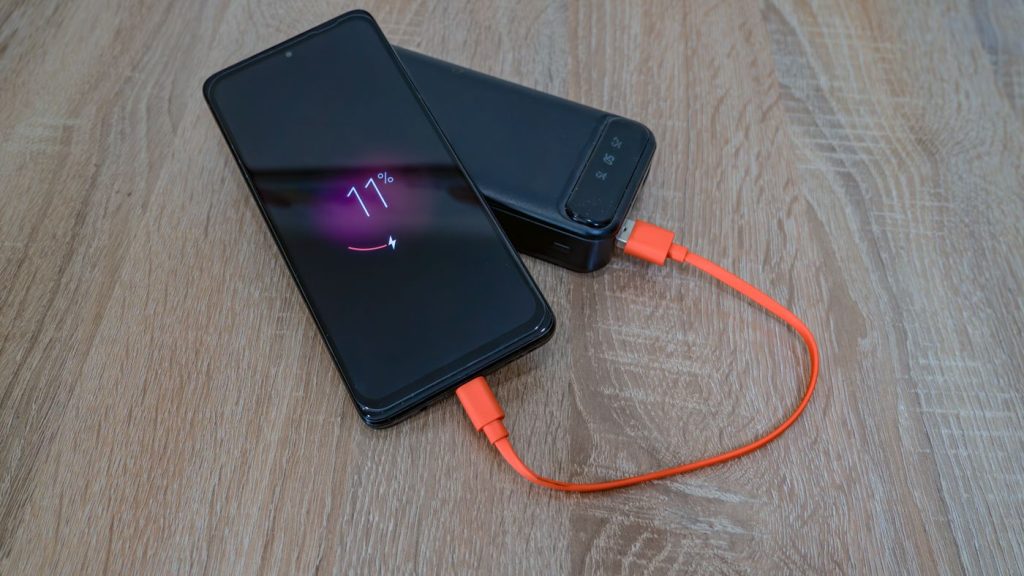
Charge it before you decide it is dead. Samsung’s own wording is that a completely discharged battery cannot turn the device on immediately even with the charger connected, and that the charging time needed differs by model. Use a Samsung charger and a cable you know works, plug it into a wall socket rather than a laptop, and give it a decent stretch of time before you try the key combination again.
Look into the charging port with a torch. Samsung says to check the port and the cable for corrosion, foreign objects and bent pins. Lint compacted at the bottom of a port is a common reason a phone quietly stops charging and then goes dead a day or two later.
Swap the cable and the plug. Cables fail far more often than phones do, and a cable that still charges another phone slowly can fail to wake a flat one.
If it has been wet, or has been sitting somewhere humid, Samsung’s steps are worth following even though you cannot see the water drop warning. Unplug it from the charger. Wipe the port with a dry cloth. Gently shake the phone five to ten times with the port facing downwards to release excess moisture, and Samsung warns that excessive force or shaking may cause damage to your phone. Then leave it on a cloth in a well ventilated place, or dry it with a fan. Samsung nowhere suggests rice, a hair dryer, an oven, cotton buds or compressed air. On this coast the warning turns up on phones that have never been near water, because Samsung says exposure to environments with high humidity may also trigger a water drop icon.
If the screen does come back, even for a few seconds, use that window. Safe mode will tell you whether an app is doing it: switch the phone off, switch it back on, and when the Samsung logo appears, press and hold the Volume down key until the phone has finished starting. Safe mode shows in the bottom left corner. To leave safe mode, restart the phone. If the screen behaves in safe mode and misbehaves out of it, the fault is an app rather than the panel, and nobody needs to open the phone. While you have a picture, you can also open the Samsung Members app and find Diagnostics. In current versions of the app it sits under the Get help tab. Tap Test all to run everything, which covers more than 24 features and functions, the touch screen and the battery among them.
The phone rings but the screen stays black
This is the common version, and it is the better of the two to have.
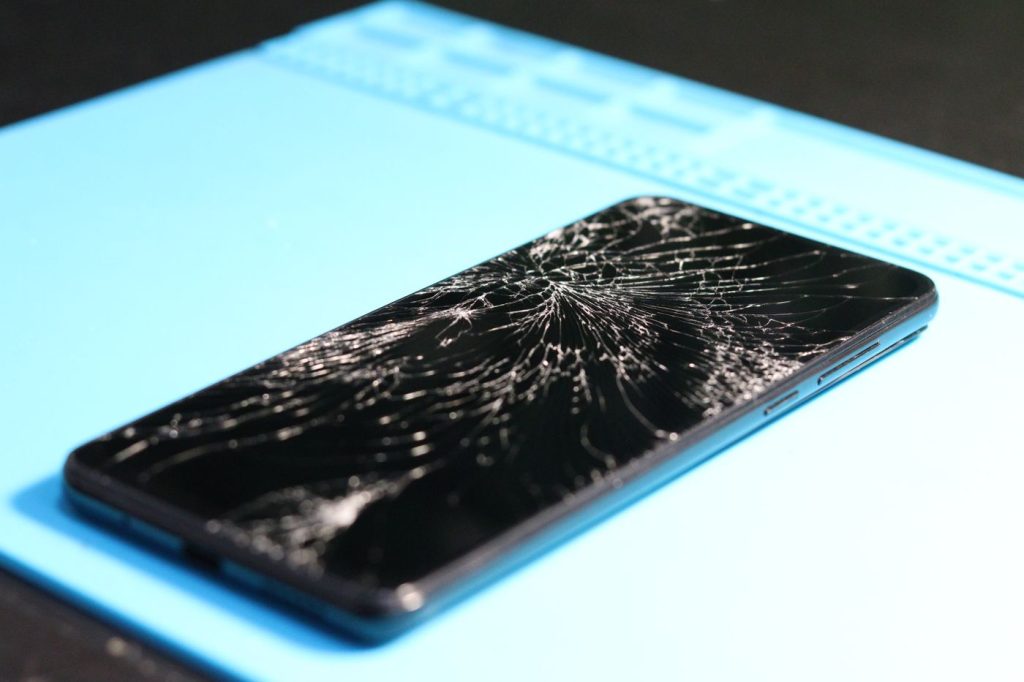
Three things cause it. The display panel itself has stopped working, which can happen with no crack and no mark anywhere on the glass. The connector that joins the display to the board has been knocked loose or damaged, which is why this often starts right after a drop or after the phone has been sat on in a back pocket. Or the part of the board that drives the display has failed, which is most likely after liquid or after a hard landing on a corner.
The first two are fixed by replacing the display assembly. The third is not, and that difference matters: a new screen fitted to a phone with a board fault goes in and stays black.
One test narrows it down at home. In a dark room, shine a torch across the screen at a low angle and look closely for a faint image. If you can make out the lock screen, the phone is drawing the picture and only the light behind it has gone, which is a display fault. A blank result proves less than people think, because many Galaxy models use an AMOLED panel with no separate backlight behind it, so there is nothing for the torch to reveal either way.
Touch usually still works. That is why some people can answer a call by swiping blind, or feel the keyboard buzz under their fingers, on a phone that shows nothing at all.
Your data is fine. A phone that rings has lost nothing. The photos, the messages and the accounts are sitting in storage exactly where they were, and a working display hands them back. Do not let anyone factory reset it to clear the fault. A reset erases the phone and does nothing for a panel that has stopped lighting up.
The phone is completely dead
No ring, no buzz, no sound when you plug it in, nothing after the key combination. Then the display is not the first suspect.
A battery can reach the end of its life and stop taking charge, and it often gives warning first: the phone starts dying at 30 per cent, then at half, then it goes flat overnight and never comes back.
A charging port can wear out or fill with debris until it stops making contact. The pattern there is a phone that had to be held at an angle to charge for a few weeks before it went dead.
And the board can fail, usually after liquid or a bad drop, in which case nothing external will bring it back.
One safety check before you keep charging it. Samsung says to confirm the phone is not swollen. If the back cover is lifting away from the frame, if the screen is being pushed up at an edge, or if the phone rocks when you lay it flat on a table, that is a swollen battery. Take it off the charger and leave it off.
The repair that fixes it, and where the price is
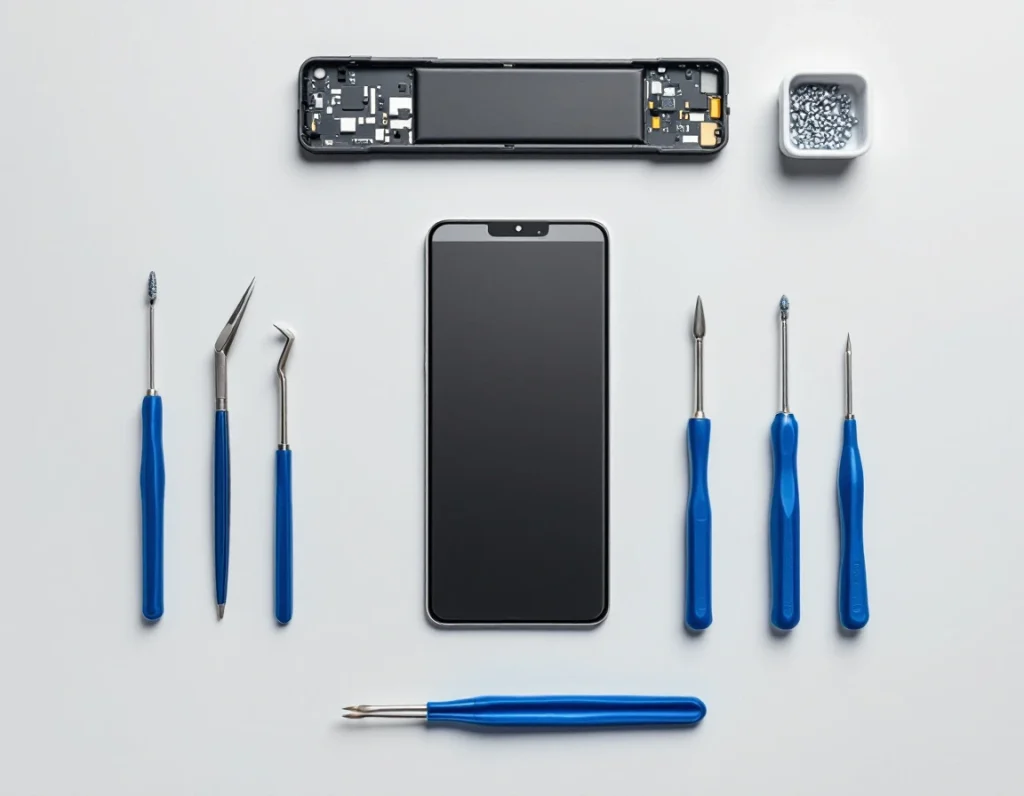
If the phone rings and the screen is dark, the repair is a screen replacement. The current price for your model is on the screen replacement page, and every model sits together on the Samsung repair prices page. Prices there include the part and the fitting.
If the phone will not power up and the battery is the reason, it is a battery replacement, and the current price is on the battery replacement page.
If it had been charging badly for weeks before it went dead, and cleaning the port has not helped, it is a charging port repair, and the current price is on the charging port repair page.
To look up your own model you need the model number. Open Settings and tap About phone. The model number, serial number and IMEI are on that screen. With a black screen that route is closed, so check the back of the phone, which carries the model number on some devices, or find the original box.
Onnuri Tech fits original Samsung parts. The part and the work carry a three month warranty, and most jobs are done in three working days.
When a black screen is not worth repairing
Not every dark screen should be answered with a new one.
If the board is the problem rather than the display, a screen replacement will not bring the picture back. Liquid damage and a hard drop onto a corner are the two histories that make this more likely, and on a phone with either of those behind it a screen is a gamble rather than a fix.
If the phone shows nothing at all, takes no charge from two different chargers and does not respond to the Side key and Volume down key held together, the fault is deeper than a part swap.
If the phone is several generations old, put the price on the screen replacement page next to what the same model is going for second hand. Check what yours is selling for before you decide.
And if it is still inside its Samsung warranty, check with Samsung first.
Bringing it in
Onnuri Tech has been repairing Samsung phones since 2007, from Unit B, 31 Solstice Road, Umhlanga Ridge, Durban. The work is done on site. There is no courier and no mail-in option, so the phone comes in with you.
People come from across Durban and the wider area, from the north and south coast and from inland, and a fair number drive down from Gauteng.
Phone 031 569 2806 or WhatsApp 084 044 3444.
Common questions
Why is my Samsung screen black but the phone still works?
The phone is running and the display has stopped showing the picture. Ring it from another number: if it rings or buzzes, the battery, the board and the software are all fine. Force restart it first, which on a Galaxy means pressing and holding the Side key and the Volume down key together for more than seven seconds. If it still shows nothing after that, the display assembly or its connector on the board has failed, and the fix is a screen replacement. Onnuri Tech fits original Samsung parts and most jobs are done in three working days.
My Samsung has a black screen but vibrates. What does that mean?
A buzz means power is reaching the phone, but it does not prove the phone has finished starting. Samsung's step for a Galaxy that is stuck is to press and hold the Side key and the Volume down key together for more than seven seconds, and to put a flat phone on a charger for fifteen minutes before trying again. If it buzzes and also rings when you call it, the phone is fully awake and the screen is the part that has failed.
My Samsung screen went black after I dropped it. Can it be repaired?
Usually. The display joins the board through a small connector that a knock can unseat or damage, and the panel itself can stop working with no crack showing on the glass. Both are fixed by replacing the display assembly, and the current price for your model is on the screen replacement page at onnuritech.co.za. The case a new screen does not fix is damage to the board itself, which is more likely after a landing on a corner or after liquid. Onnuri Tech works on the phone on site in Umhlanga, so the phone is brought in rather than sent by courier.
Can I still get my photos off a Samsung with a black screen?
If the phone still rings, nothing has been lost. The storage is untouched and a working display gives you the phone back exactly as it was. Do not let anyone factory reset it to clear the fault, because a reset erases the phone and does nothing for a panel that has stopped lighting up. Onnuri Tech replaces the screen with an original Samsung part, and the part and the work carry a three month warranty.
My Samsung screen went black after a software update. Is that a hardware fault?
Not necessarily. Force restart it first: press and hold the Side key and the Volume down key together for more than seven seconds. If the screen comes back and then goes dark again, test it in safe mode. Switch the phone off, switch it back on, and when the Samsung logo appears, press and hold the Volume down key until the phone has finished starting. Safe mode shows in the bottom left corner. If the screen behaves in safe mode and misbehaves out of it, an app is causing it and no repair is needed. To leave safe mode, restart the phone.
How long does a Samsung screen replacement take at Onnuri Tech?
Most jobs are done in three working days. The work happens on site at Unit B, 31 Solstice Road, Umhlanga Ridge in Durban, so the phone is brought in rather than posted, and there is no courier option. The prices on the screen replacement page include the part and the fitting, and the part and the work carry a three month warranty. Phone 031 569 2806 or WhatsApp 084 044 3444.
Other Samsung faults