A Samsung that has gone quiet is usually not broken. Sound on a Galaxy phone passes through a run of separate switches, and any one of them mutes everything after it. A Bluetooth speaker in another room that never disconnected will do it, so will Do not disturb left on after a meeting, so will a setting that sends one app’s audio to a different device, and so will a pocket’s worth of lint packed into the speaker slot. All of those are free to check, and the whole lot takes about ten minutes.
Start by working out which sound has gone, because a phone that plays music but never rings has a different fault from one that is silent at everything. Then work through the settings. If the phone is still quiet at the end of that, the problem is physical, and there are only a few parts it can be.
Work out which sound is missing
A Galaxy has more than one speaker and more than one route for audio, so “no sound” covers several different faults.
The loudspeaker on the bottom edge handles media, ringtones, alarms and speakerphone. The earpiece at the top of the screen handles the voice on a normal call held to your head. Headphones and Bluetooth are separate routes again. A phone can lose one of those and keep the rest.
- Nothing at all, from any app, at any volume. Settings first, then hardware.
- Music and video play, but the phone never rings and notifications are silent. That is almost always Do not disturb or the sound mode.
- Everything works except a normal call, where you cannot hear the other person unless you press speakerphone. That points at the earpiece.
- Sound in headphones or through Bluetooth, but nothing from the phone itself. Routing, or the loudspeaker.
- Sound is there but thin, crackling, one sided or very quiet. A blockage, water, or a balance setting.
Those are five different faults with five different answers, so it pays to know which one you have before you start.
The three that catch most people
Bluetooth that never let go. A Galaxy stays paired to a car radio, a TV, a soundbar or a pair of Buds at the bottom of a bag, and it keeps sending audio there while the phone makes no noise at all. The volume slider moves, the phone looks normal, and the sound is coming out of something in another room. Samsung’s instruction is to swipe down from the top of the screen to open the Quick panel, then tap the Bluetooth icon to turn it off. Play something and listen again.
The Media output panel, reached by swiping down from the top of the screen, shows which device the audio is actually going to, which beats guessing. It has moved between One UI versions, so if it is not where you expect it, switching Bluetooth off entirely settles the question anyway.
Do not disturb. Samsung describes it as a setting that mutes calls, notifications and alerts on your phone. It deliberately leaves media alone, which is why the classic version of this fault is a phone that plays YouTube perfectly and has not rung in three days. Open Settings, tap Notifications, then tap Do not disturb. Check whether it is on, and check whether it is running on a schedule you set up once and forgot about. If it is off, look at the sound mode button in the Quick panel too, because a Galaxy left on Vibrate behaves identically to one with a dead ringer.
A blocked grille. The loudspeaker fires through a narrow slot on the bottom edge of the phone, beside the charging port. It fills up with lint, sand and the fine grey dust that lives in a pocket, and it does it gradually, which is why people describe the phone as having got quieter over months rather than having failed on a particular day. A case or a badly placed screen protector does the same job faster. Samsung’s instruction is to make sure the air vent grooves are not covered by third party cases, screen protectors and the like. Take the case off and test.
On cleaning, Samsung takes a firm position, and it contradicts what most people reach for. Samsung warns that strong air pressure fired into the hole from a source such as an air gun can damage the parts inside the speaker, the receiver and the microphone. What Samsung recommends instead is a soft brush that will not scratch, used lightly, and only if it is needed. No compressed air, nothing pushed into the slot, no pins.
If the phone has been near water, Samsung says to dry it immediately with a clean, soft cloth and to remove as much water as possible. Sound that is muffled and then improves over a day or two was water sitting in the speaker cavity. Sound that is muffled and stays that way is either water that has not come out or corrosion that has already started.
Four settings that mute a phone quietly
Mute all sounds. Open Settings, tap Accessibility, tap Hearing enhancements, and check that Mute all sounds is off. It lives in a menu most people have never opened, and it silences the phone completely.
Left and right sound balance. Same menu: Settings, then Accessibility, then Hearing enhancements, then Left/right sound balance. If that slider has been dragged to one end, audio plays through one channel only. On a phone with stereo speakers that sounds exactly like one speaker has died.
Separate app sound. Open Settings, tap Sounds and vibration, then tap Separate app sound. Samsung describes it as playing media sound from apps you select on a separate audio device. Set up once for a car and then forgotten, it leaves one app silent while everything else works.
Software update. Open Settings, tap Software update, then tap Download and install. Audio bugs do get fixed in updates, and a phone several versions behind should be brought up to date before anyone opens it.
Two tests that tell you whether it is software or hardware
Safe mode starts the phone with only the software it shipped with and none of the apps you installed. Switch the phone off. Switch it back on, and when the Samsung logo appears, press and hold the Volume down key until the phone has finished starting. Safe mode shows in the bottom left corner. To leave safe mode, restart the phone.
Play something while you are in there. If the sound comes back, a downloaded app is causing it, and the fix is to uninstall recent apps until it stays. If the phone is just as silent in safe mode, no app is responsible.
Then run Samsung’s own diagnostics. Open the Samsung Members app and find Diagnostics. In current versions of the app it sits under the Get help tab. Run the speaker test, or tap Test all to run everything. Samsung’s diagnostics cover more than 24 features and functions, speaker among them, and some of the checks ask you to do something on screen while they run.
A speaker test that fails on a phone with a clean grille, no Bluetooth connected and no accessibility setting in the way is as close to a hardware verdict as you will get without opening the phone.
What it means when the phone is still silent
At that point the fault is physical, and it sits in one of three places.
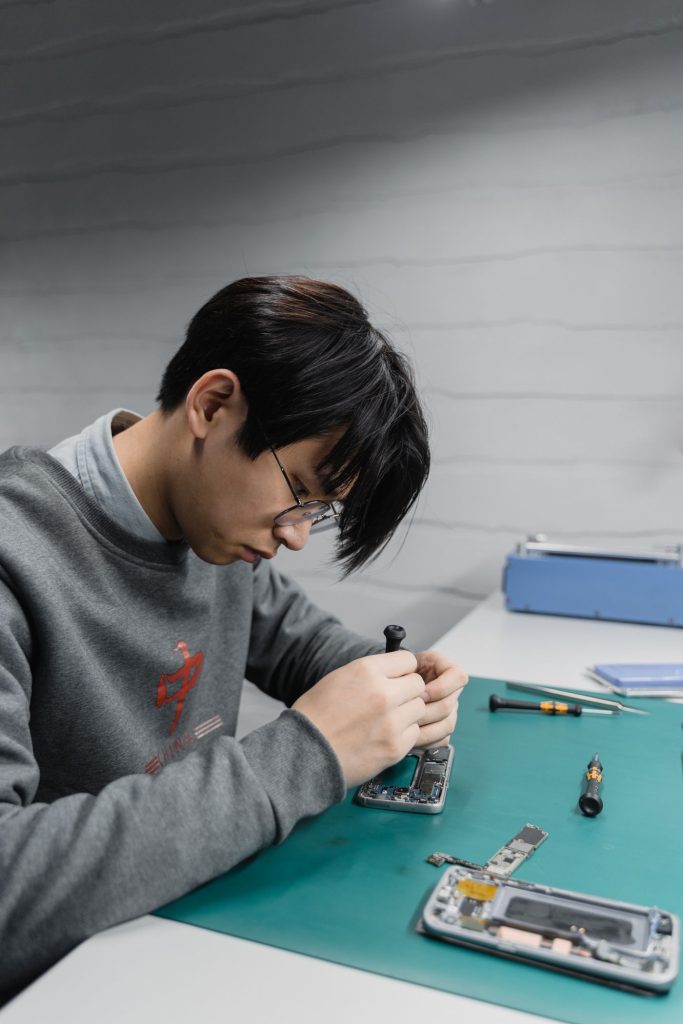
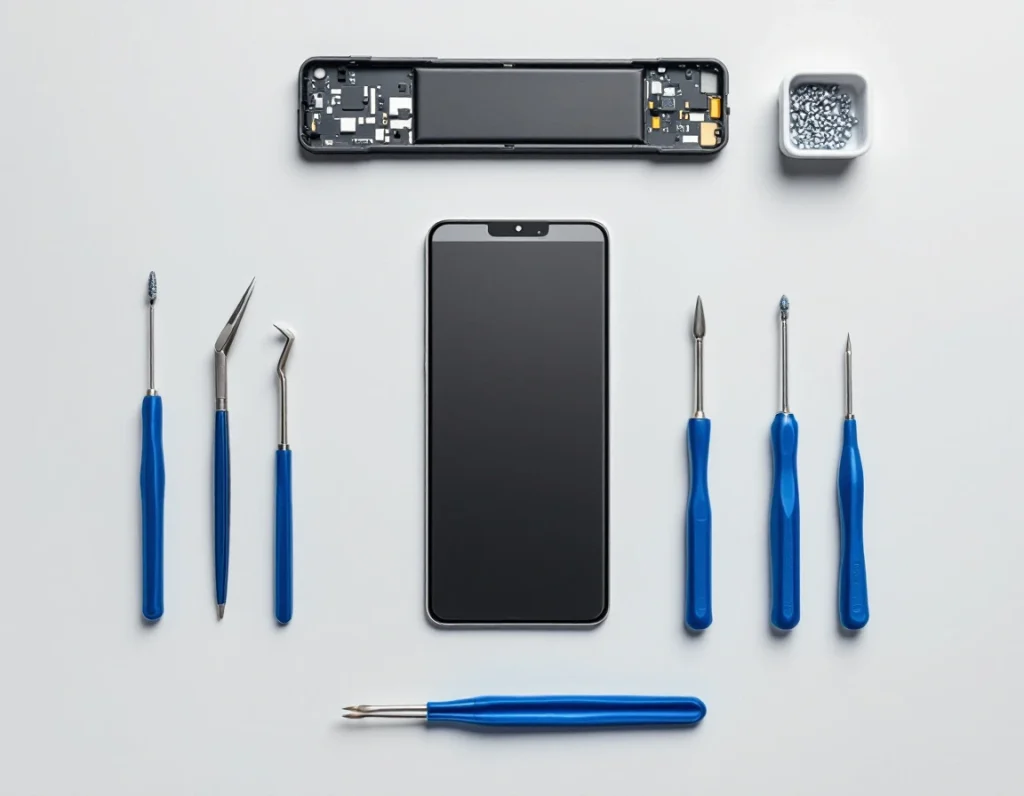
The loudspeaker module. On current Galaxy models this is a self contained part at the bottom of the phone, held in by its own screws and clips and sitting directly over the charging board. iFixit’s Galaxy S25 guide has the technician take out seven screws holding the loudspeaker and then unclip it to reach the board underneath. It is a part that comes out and goes back in, not a repair to the mainboard.
The earpiece. Also a separate part, with its own screws and its own connector to the motherboard, reached from inside the phone. A Galaxy where speakerphone is loud and normal calls are silent has an earpiece problem and a perfectly good loudspeaker.
Water and corrosion. Sound is often the first thing to go after a phone gets wet, because the speaker sits behind an opening in the case with a mesh across it and very little else. On this coast it does not take an accident. Samsung acknowledges that high humidity on its own can be enough to set off the moisture warning on a Galaxy, without the phone having been in contact with water.
There is a fourth pattern that matters here. If the sound went in the same week the phone started being fussy about charging, look at where those two parts live. The loudspeaker sits on top of the charging board at the bottom edge, so a drop onto that edge, or a spill that runs down to the lowest point of the phone, tends to take both.
The repair, and where the price is
Onnuri Tech publishes live prices for the parts it stocks: screens, batteries, charging ports, back covers and S Pens, model by model, on the Samsung repair prices page.
A loudspeaker or an earpiece on its own is not on that published list, so there is no figure for it here and the phone has to be seen. Two related jobs are on the list, and they come up more often than you would expect on a sound fault.
If charging has become unreliable at the same time as the sound went, the charging board at the bottom of the phone is the part sitting directly under the loudspeaker, and the current price for that job is on the charging port repair page.
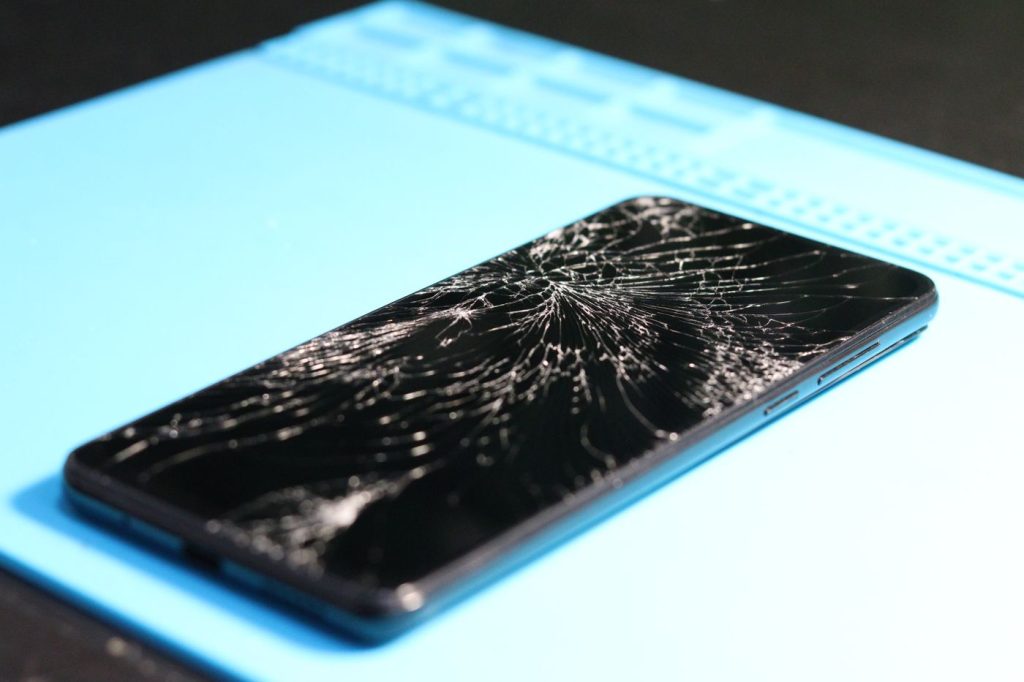
Reaching either speaker means opening the back of the phone. The back cover on a modern Galaxy is glued around the whole perimeter of the frame and has to be heated and cut away before it will come off. If yours is already cracked from the drop that caused the sound problem, the current price is on the back cover replacement page.
Onnuri Tech has been doing this since 2007, uses original Samsung parts, and carries a three month warranty on the part and the work. Most jobs are done in three working days. Prices include the part and the fitting. All the work happens on site at Unit B, 31 Solstice Road, Umhlanga Ridge, and there is no courier or mail-in option, so the phone comes in. That suits Durban and the wider area, the north and south coast, inland, and the people who drive down from Gauteng. Phone 031 569 2806 or WhatsApp 084 044 3444.
If the phone is still inside its Samsung warranty, check with Samsung first.
When it is not worth repairing
A speaker replacement on a phone that is otherwise in good shape is a straightforward job. A speaker replacement on a phone that also has a cracked screen, a battery that will not last a day and a charging port that only works at one angle is a different conversation, because the total stops making sense long before you reach the fourth part. Current prices for a screen replacement and a battery replacement are on their own pages, and adding them up honestly is the only way to see where you stand.
The other case is water. Corrosion does not stop where it started. A Galaxy that went into a pool and lost its speaker can lose the microphone next, then a camera, then the charging board, over the months that follow. Replacing the speaker fixes the speaker. It does nothing about the rest of what the water reached. Samsung’s warranty terms exclude exposure to moisture and dampness, so that is not a way out either.
There is also the version where nothing needs doing at all. If the only symptom is a ringer quieter than it used to be, on a phone that is already several years old, and speakerphone and headphones still work, leaving it on vibrate is a reasonable answer.
Before deciding either way, check what your model is selling for second hand at the moment and hold the cost of the repair against that. Look it up on the day rather than taking a number from anywhere else.
Common questions
Why does my Samsung play music but never ring?
Do not disturb, almost every time. Samsung describes it as a setting that mutes calls, notifications and alerts on your phone, and it deliberately leaves media alone, so YouTube and Spotify keep working while the phone sits silent through every call. Open Settings, tap Notifications, then tap Do not disturb. Check whether it is switched on, and whether it is running on a schedule you set up once and stopped thinking about. If it is off, look at the sound mode button in the Quick panel, because a Galaxy left on Vibrate behaves exactly like one with a dead ringer.
Can I clean my Samsung speaker with compressed air?
Samsung says no. Their support page warns that strong air pressure fired into the speaker holes from something like an air gun can damage the parts inside the speaker, the receiver and the microphone. What Samsung recommends instead is a soft brush that will not scratch the phone, used lightly, and only when it is needed. So no compressed air, no cotton buds pushed into the slot and no pins. If a light brushing does not bring the volume back on a Galaxy that has spent a few years in pockets, the blockage is deeper than the grille and the phone needs to be opened.
Sound only comes out of one side on my Galaxy S23. Is a speaker broken?
Check the balance slider before you assume it is. Open Settings, tap Accessibility, tap Hearing enhancements, and look at Left/right sound balance. Dragged to one end, that control makes a phone with two healthy speakers play through one of them, which sounds identical to a failed speaker. While you are in that menu, confirm Mute all sounds is off. If the balance is centred and one side is still dead or crackling on an S23, it is hardware.
How do I tell whether it is an app or the speaker itself?
Safe mode first, then Samsung's diagnostics. Switch the phone off. Switch it back on, and when the Samsung logo appears, press and hold the Volume down key until the phone has finished starting. Safe mode shows in the bottom left corner. Play something. Sound in safe mode means a downloaded app is muting the phone, and restarting it leaves safe mode again. If it is still silent, open the Samsung Members app and find Diagnostics, which in current versions of the app sits under the Get help tab, then run the speaker test or tap Test all.
My Galaxy sounds muffled after a day at the beach. Will it dry out on its own?
Sometimes. Samsung's instruction for a wet phone is to dry it immediately with a clean, soft cloth and to remove as much water as possible. Muffled sound that improves over a day or two was water sitting in the speaker cavity. Muffled sound that is still there a week later is either water that has not come out or corrosion that has already started, and neither of those improves by waiting. Humidity alone counts as well, since Samsung notes that a high humidity environment can trigger the moisture warning on a Galaxy without the phone having touched water.
Does Onnuri Tech replace Samsung speakers, and what does it cost?
The prices published online cover screens, batteries, charging ports, back covers and S Pens, model by model, on the Samsung repair prices page at https://onnuritech.co.za/samsung-repair-prices/. A speaker is not on that list, so there is no published figure for it and the phone has to be seen. Onnuri Tech works on site at Unit B, 31 Solstice Road, Umhlanga Ridge, with original Samsung parts, a three month warranty on the part and the work, and most jobs finished in three working days. Prices include the part and the fitting, and there is no courier or mail-in option, so the phone comes in. Phone 031 569 2806 or WhatsApp 084 044 3444.
Other Samsung faults