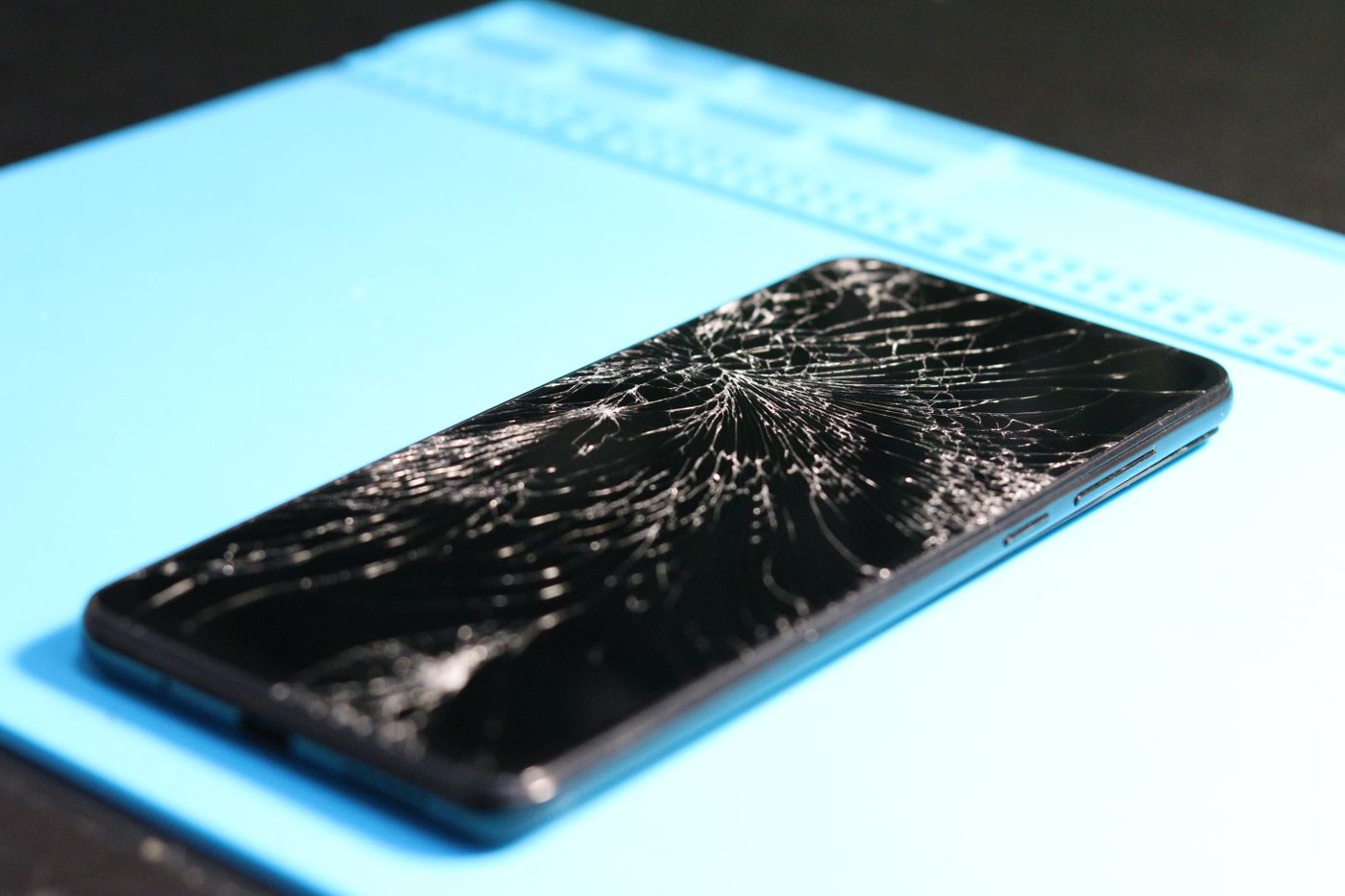
A green line down a Samsung screen is a fault in the screen itself, and no setting, update or reset takes it away. It often turns up the morning after a software update, which makes the update look guilty, and it often turns up weeks after a knock that seemed to do no damage at all. Run the free checks first, because they cost nothing and they tell you what you are dealing with. If they change nothing, the fault is in the panel or in the connection behind it, and the repair is a screen replacement.
What the green line actually is
A green line down a Samsung screen is a fault in the screen itself. Along one column of the panel, the pixels have stopped taking instructions and sit at a fixed colour, and the phone has no way to draw around them. The same failure shows as a green line on one phone, a pink or white one on another, and sometimes as a horizontal band instead of a vertical line.
Nothing in Settings reaches it. Restarting does not clear it, an update does not clear it, and a factory reset does not clear it either, so do not wipe your phone chasing this one. Software draws the picture. The line is in the thing that shows the picture.
Two stories come up again and again. The first is that the line arrived overnight after a software update, which puts the update in the frame. Software cannot put a physical fault into a panel, and reinstalling or rolling back does not take the line out. The second is that the phone was dropped, sat on or squeezed weeks earlier and seemed fine at the time. Damage to a panel or to the connection behind it does not have to show itself the same day.
Touch usually still works and the rest of the phone behaves, which is why people live with a line for months. That is a fair choice to make, as long as you make it knowing what the line normally does next.
Free checks to run before you pay anyone
Force restart the phone. Press and hold the Side key and the Volume down key together for more than seven seconds, until the screen goes black and the Samsung logo appears. If the phone is flat, put it on a charger for fifteen minutes first and try again. A restart clears a stuck frame. It will not clear a failed panel, and finding out which one you have is the point of doing it.
Take a screenshot and look at it somewhere else. Take the screenshot the way you normally do, then send the picture to someone or open it on a computer. If the line is missing from the picture, the phone is producing a clean image and the screen is showing it badly, which is a hardware fault. If the line is in the picture too, the problem sits in the image the phone is drawing, which is a different fault and one to bring in and show us.
Start the phone in safe mode. Switch the phone off. Switch it back on, and when the Samsung logo appears, press and hold the Volume down key until the phone has finished starting. Safe mode shows in the bottom left corner. To leave safe mode, restart the phone. Safe mode runs the phone without the apps you installed, so a line that is still there in safe mode is not being caused by an app. Samsung warns that wallpapers and themes may reset to their defaults when you leave safe mode.
Install a software update if one is waiting for you. It will not remove a line that comes from the panel, but it costs nothing and it takes the question off the table.
Look at the line properly and write down what it does. Open something plain and white, then something black. Note whether it changes with brightness, whether it flickers, whether it fades in once the phone warms up, and whether a second line has appeared since the first. Do not press on the screen or flex the frame to see if the line shifts, because pressure is one of the things that starts them.
If the phone is still inside its Samsung warranty, check with Samsung first.
What it means when the line survives all of that
A line that lives through a restart, sits there in safe mode and stays out of your screenshots is a hardware fault. It sits in one of two places.
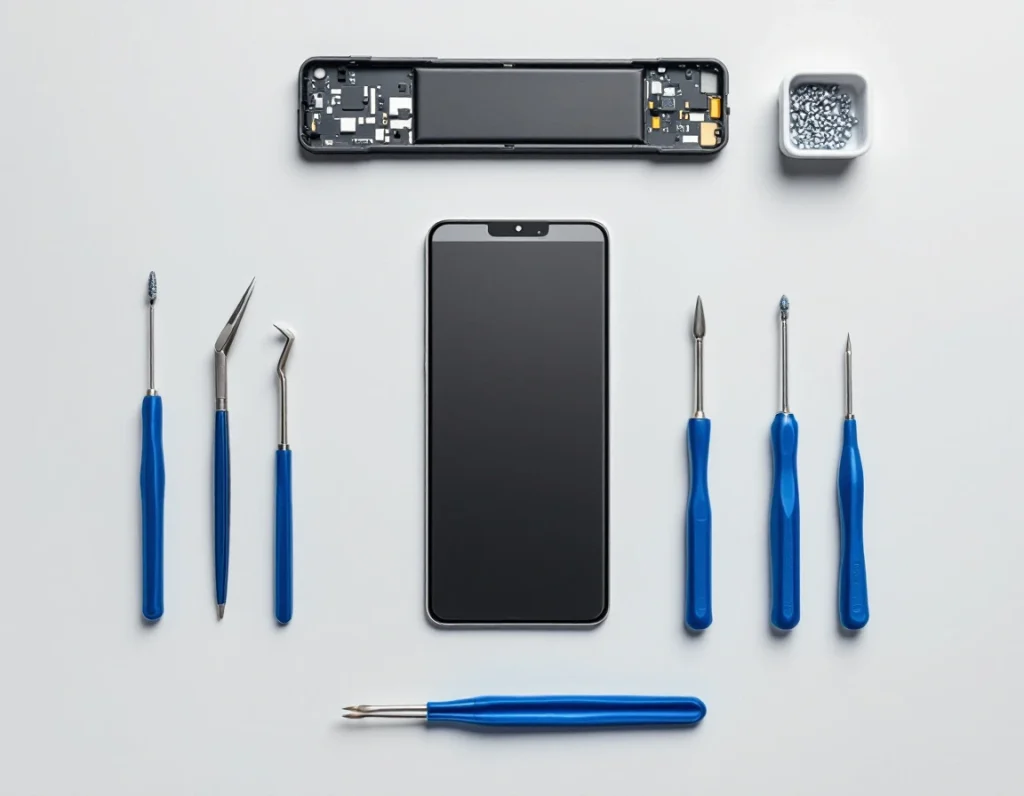
The panel. A Samsung screen is supplied as one sealed assembly, with the glass, the panel and the ribbon that feeds it bonded together. When a column of that panel fails there is nothing to adjust and nothing to reconnect.
The connection. The screen plugs into the main board inside the phone. A drop, a knock or a squeeze can disturb that connection and moisture can corrode it. This is the version that tends to flicker rather than sit still, and that sometimes changes as the phone heats up.
The usual causes are a drop that left no crack, weight on the phone in a back pocket or a packed bag, heat from a dashboard or a windscreen mount, moisture reaching the connection, and in plenty of cases nothing the owner can point to. Panels also fail on their own.
Lines rarely stay as they are. A second one follows the first, thin lines widen into bands, colour bleeds sideways, and part of the display can go dark. Touch tends to go last. None of that happens overnight, and none of it is a reason to panic, but it is a reason to decide rather than wait and see.
Pink, white and lines that come and go
One repair covers a wider set of complaints than the green line alone. Vertical lines in any colour, horizontal bands, a flickering strip, colour bleeding from one edge, a stripe that only shows once the phone has been on for a while: they come from the screen assembly or from its connection, and none of them is fixed in software.
A few things tell them apart. A line that comes and goes with heat, or that changes when the phone is picked up, points at the connection rather than the panel. A line that is rock steady in every app points at the panel. A line that appears in photographs you take but not on the screen itself is a camera fault and a different repair. A line that shows up only inside one app, and appears in your screenshots, is that app, and clearing its cache or reinstalling it costs nothing.
If several lines have already arrived, or the display drops out in patches, the phone is closer to going dark than it looks.
The repair that removes it
The repair is a screen replacement. The old assembly comes out, a new one goes in, and the line goes with it. We fit original Samsung parts, and the price includes the part and the fitting. The current price for your model is on the screen replacement page, and every price we hold for every model is on the Samsung repair prices page.
Most jobs are finished in three working days, and the part and the work carry a three month warranty. The work is done on site at the workshop in Umhlanga Ridge. There is no courier and no mail-in option, so the phone comes in with you.
Find your model number before you come. Open Settings and tap About phone. The model number, serial number and IMEI are on that screen. The screen is ordered against that model number rather than the name on the box, because phones with similar names take different panels.
Back up anything you would hate to lose before any repair, on any phone, at any workshop.
When a screen replacement is not the right call
Some phones are not worth the money.
On an older mid-range Galaxy, a screen is a large share of what the whole phone is worth. Check what yours is selling for second hand before you decide, then hold that against the price on the screen replacement page.
Add up everything else that is wrong with it. If the battery is half a day at best, the charging port needs a wiggle and the back glass is cracked, the screen is one job of several and the total is the figure that counts. Prices for those jobs sit on the battery replacement page, the charging port repair page and the back cover replacement page.
If the phone has been in water, say so when you bring it in. Corrosion does not stay in one spot, and a new screen on a corroded board can be a new screen on a phone with the next fault already forming.
If the line is thin, static, right at the edge and you are replacing the phone in a few months anyway, living with it is a real answer. Lines usually spread, so make that choice knowing it may not hold.
And if the phone is still inside its Samsung warranty, check with Samsung first.
Bringing it in
We are at Unit B, 31 Solstice Road, Umhlanga Ridge, and we have been repairing Samsung phones since 2007. Phone 031 569 2806 or WhatsApp 084 044 3444.
Phones come to us from across Durban and the wider area, up the north coast and down the south, from inland towns, and often enough from Gauteng when someone is driving down anyway. The work is done here, so the phone has to come here.
Common questions
Will a factory reset remove the green line on my Samsung?
No. A reset wipes the software and leaves the screen exactly as it was, so it costs you your data and changes nothing. The check that settles it is safe mode. Switch the phone off. Switch it back on, and when the Samsung logo appears, press and hold the Volume down key until the phone has finished starting. Safe mode shows in the bottom left corner. To leave safe mode, restart the phone. If the line is still there with every downloaded app switched off, no software is producing it. Samsung warns that wallpapers and themes may reset to their defaults when you leave safe mode.
The line appeared right after a software update. Will the next update fix it?
No. A One UI update cannot repair a panel, and rolling back does not take the line out either. Install any update that is waiting, because it costs nothing, then take a screenshot and open it on a computer. A screenshot that comes out clean means the phone is drawing the picture correctly and the screen is failing to show it, which is a hardware fault and a screen replacement. If the phone is still inside its Samsung warranty, check with Samsung first.
Can the line be repaired on its own, or does the whole screen have to be replaced?
The screen comes out as one sealed part, with the glass, the panel and its ribbon bonded together, so the repair is a replacement rather than a patch. We fit original Samsung parts, the price includes the part and the fitting, and both carry a three month warranty. The current price for your model is on the [screen replacement page](https://onnuritech.co.za/repairs/screen-replacement/).
Does a green line on a Samsung screen get worse over time?
Usually. A second line arrives, thin lines widen into bands, colour bleeds sideways and part of the display can go dark, with touch going last. Whether it is a Galaxy A34 or a Galaxy S24 Ultra makes no difference to that pattern. Keep the phone out of tight pockets, off dashboards and out from under anything heavy, and do not press the screen to see whether the line moves, because pressure is one of the things that starts them.
How long does a Samsung screen replacement take, and can I post my phone in?
Most jobs are finished in three working days. There is no courier and no mail-in option, so the phone has to be brought to the workshop at Unit B, 31 Solstice Road, Umhlanga Ridge, where all the work is done on site. Phone 031 569 2806 or WhatsApp 084 044 3444.
How do I find out which screen my Samsung needs?
Open Settings and tap About phone. The model number, serial number and IMEI are on that screen. The screen is ordered against the model number rather than the name on the box, because two Galaxy phones with similar names can take different panels. Prices are listed model by model on the [Samsung repair prices page](https://onnuritech.co.za/samsung-repair-prices/).
Other Samsung faults