A Samsung camera that has stopped working is usually a software fault. Samsung’s own support pages say it plainly: when a Galaxy shows Camera failed, or the preview opens black, or the app shuts itself the moment you tap it, it is most likely a software problem and not a physical problem with the camera. The checks that clear it are free and take about ten minutes.
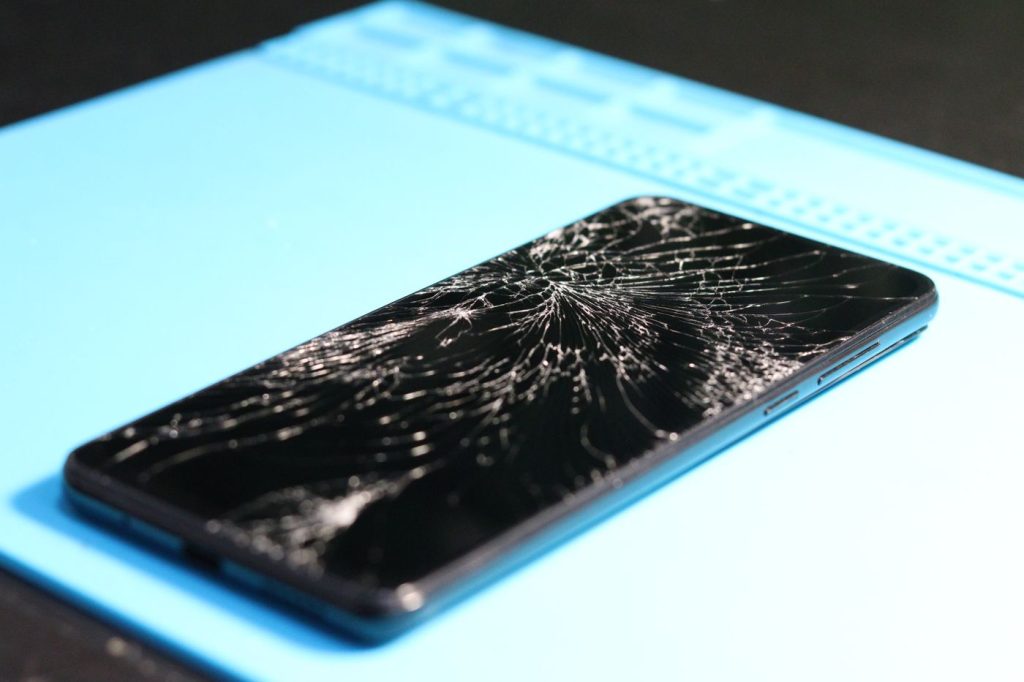
The exception is a camera that stopped straight after something happened to the phone. A drop onto a tiled floor, a crack across the glass over the lenses, or water getting in. Those are hardware, and clearing a cache will not touch them. Sort one from the other first.
Which of these is your phone doing
Three different faults get called the same thing.
- The app fails. Camera failed, a black or grey preview, the app freezing on the shutter, or the app closing on its own. Also a camera that works in one app and not in another. Nothing has happened to the phone physically and it was fine yesterday. This is the group that every free check is aimed at.
- The pictures are wrong but the camera still works. Haze across bright scenes, a starburst around street lights at night, one lens soft while the others stay sharp. Look at the glass over the cameras in daylight. A crack, a chip or a spiderweb around one lens is your answer.
- One camera is dead and the rest are fine. The main camera works and the ultrawide gives a black frame, or the front camera died the day a screen was fitted, or nothing works at all after a drop or after the phone went into water. That is the module or its connector.
The checks that cost nothing
Do these in order and stop as soon as the camera comes back.
Clean the glass and take the case off. Samsung’s advice for a camera that will not focus starts with a soft, dry, lint free cloth on the lenses. Skin oil off a pocket lining is enough to turn every photo soft, and a case or a stuck-on lens protector sitting over the edge of the camera cut-out will stop autofocus working. Take the case right off and try again.
Force restart the phone. Press and hold the Side key and the Volume down key together for more than seven seconds, until the screen goes black and the Samsung logo appears. An app that grabbed the camera and never let go will not release it on its own, and a restart takes it back.
Reset the camera app. Open the Camera app, tap the settings icon, tap Reset settings, then confirm. The app goes back to how it shipped and your photos are untouched.
Clear the camera cache, then the camera data. Open Settings, tap Apps, find Camera, tap Storage, then tap Clear cache. Test the camera. If it still fails, return to the same screen, tap Clear data, then Delete. Samsung’s own note on that step: “When you delete Camera app data, all camera settings return to default values. Photos and videos are not deleted.”
Check for a software update. Open Settings, tap Software update, then Download and install. This cuts both ways. A camera that broke on the day of an update is a software fault by definition, and the repair for it arrives the same way the fault did.
One UI 9 is rolling out at the moment and One UI 8.5 has only just finished reaching the 44 Galaxy models eligible for it, so two Samsungs on the same table can carry different menu names. If a name here does not match yours, open Settings and search for it.
Safe mode, and Samsung's own camera test
Safe mode switches off everything you installed yourself and leaves only what came with the phone. Switch the phone off. Switch it back on, and when the Samsung logo appears, press and hold the Volume down key until the phone has finished starting. Safe mode shows in the bottom left corner. To leave safe mode, restart the phone.
Open the camera while safe mode is on. If it works there and fails normally, an app you installed is holding it. Anything with a scanner in it is a candidate: banking apps, delivery apps, QR readers, social apps, video callers, and any camera app other than Samsung’s. Uninstall the most recent one, restart, test again, and work backwards from there. Samsung warns that wallpapers and themes may reset to their defaults when you leave safe mode.
Then run Samsung’s own test. Open the Samsung Members app and find Diagnostics. In current versions of the app it sits under the Get help tab. Tap Test all to run everything, or run the camera test on its own. The diagnostics cover the camera alongside the battery, the speaker, the sensors and the touch screen, and some of the checks are interactive and ask you to do something on screen.
What it means when none of that works
A camera that still fails in safe mode, with a cleared cache and current software on it, is a hardware fault. There are three, and they do not look alike.
Cracked glass over the camera
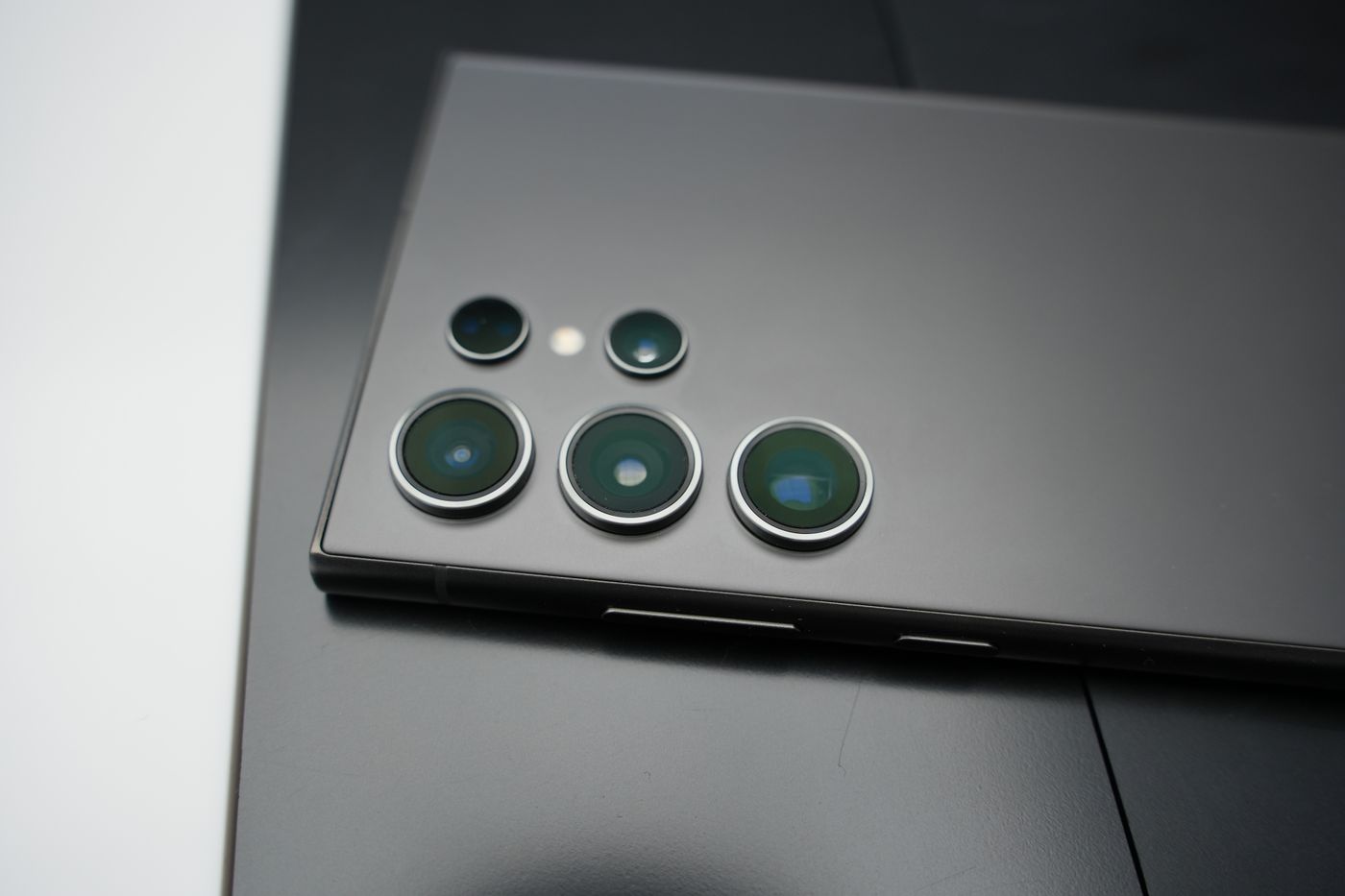
The glass on the back of the phone is a cover over the lens, not the lens itself. The camera underneath usually carries on working when that cover cracks, which is why people leave it. What the crack does instead is scatter light. It refracts like a row of small prisms, so you get flare around street lights, haze across a bright sky, and a camera that hunts for focus because the light arriving at the sensor is uneven. Glass dust settling on the lens does the rest. The tell is that the fault follows the crack: the lens under it is hazy and the others are normal.
The camera module, or its connector
A camera module is a sealed unit on a flex cable that clips into the board. A hard drop can unseat that clip or break the module outright. Water gets in around the camera housing and corrodes the contacts, sometimes weeks after the phone dried out. Either way the phone loses one camera completely: a black frame from the ultrawide while the main camera is fine, a flash that fires with nothing recorded, or a Camera failed message that no software step shifts.
A front camera that died with a screen
The front camera and its cable run under the display assembly. If a screen was fitted and the selfie camera stopped at the same time, the cable is the first suspect and not the camera. That one needs the display opened again rather than a new part.
And one thing that is not a fault at all. Shake a Galaxy and you may hear a small knock from the camera. Samsung has a support page about it. The moving part of the optical image stabiliser taps its housing when the camera is not running, and Samsung states that “this is due to the characteristics of the OIS (Optical Image Stabilization) and it is not a product defect”. The noise proves nothing either way.
The repair that fixes it, and what it is called
Cracked camera glass is usually not priced as a camera job. On many Galaxy models the glass over the rear cameras is set into the back cover, and the replacement cover arrives with that glass already in it, so the repair to price is a back cover replacement. The current price for your model is on the back cover replacement page. Prices are per model, so get the model number first: open Settings and tap About phone. The model number, serial number and IMEI are on that screen. Every model Onnuri Tech carries a price for is listed on the Samsung repair prices page.
If the front camera stopped when a screen was fitted, the work is at the display, and current screen prices sit on the screen replacement page.
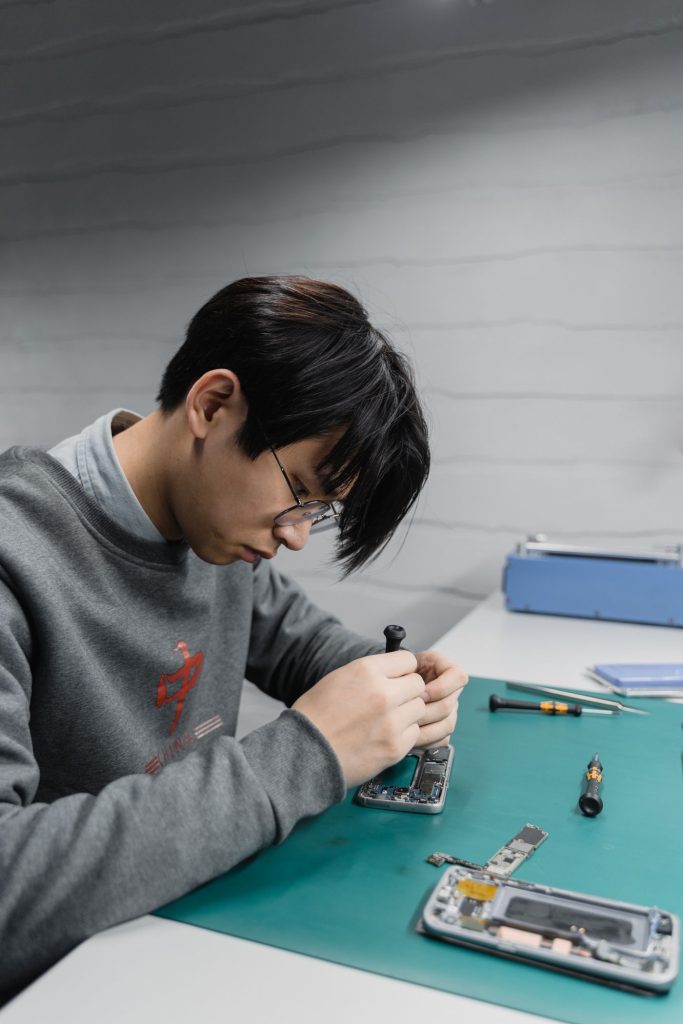
A rear camera module is a different matter. The repairs Onnuri Tech publishes prices for are screens, batteries, charging ports, back covers and S Pens, so a camera module is not a price you will find on the site. Work is done on site in Umhlanga and the phone comes in; there is no courier and no mail-in on any job.
On the jobs that are priced, the price includes the part and the fitting, the part and the work carry a three month warranty, and most jobs are finished in three working days.
When a camera repair is not worth doing
A cracked camera cover on a phone that also has a spreading crack across the screen and a battery that does not last the morning is three repairs, and three repairs is a different decision from one. Check what yours is selling for before you decide.
Other places to stop:
- The phone has been in water and the camera is one of several things behaving oddly. Corrosion carries on spreading, and a new camera does not stop it.
- One of three or four rear cameras is dead and it is a focal length you never use. A dead ultrawide on a phone whose main camera is perfect is an irritation rather than a broken phone.
- The photos are only slightly soft and the glass is intact. Clean the lenses properly and look again in daylight before spending anything.
- The phone is still inside its Samsung warranty. Check with Samsung first.
Where to bring it
Onnuri Tech has been repairing Samsung phones since 2007, from Unit B, 31 Solstice Road, Umhlanga Ridge in Durban. Repairs use original Samsung parts and the work is done on site, which is why the phone has to reach the counter rather than a courier bag. People bring phones in from across Durban and the wider area, from the north and south coast, from inland, and from Gauteng on the way through.
Run the free checks before you drive anywhere. A camera that comes back on a cache clear has saved you the trip, and a camera that does not means you arrive knowing which lens is at fault and what has already been ruled out. Phone 031 569 2806 or WhatsApp 084 044 3444.
Common questions
Why did my Samsung camera stop working after a software update?
An update replaces the camera app, and the settings it had stored do not always survive the swap. Clear the app first. Open Settings, tap Apps, find Camera, tap Storage, then tap Clear cache. If that does not do it, go back to the same screen, tap Clear data, then Delete. Samsung's note on that step is that all camera settings return to default values and that photos and videos are not deleted, so the gallery is safe. Then open Settings, tap Software update and tap Download and install, because a camera bug that arrived in one update is normally answered by the next one. A camera that still fails after all of that was not broken by the update.
My Samsung camera opens on a black screen. Is the camera broken?
Usually not. A black preview with the shutter button still sitting there is the app failing to get hold of the camera, and another app is normally the reason. Force restart first: press and hold the Side key and the Volume down key together for more than seven seconds, until the screen goes black and the Samsung logo appears. If the preview is still black, switch the phone off, switch it back on, and when the Samsung logo appears press and hold the Volume down key until the phone has finished starting. That is safe mode, and it runs only what came with the phone. A camera that works in safe mode is being blocked by something you installed. A camera that is black in safe mode too is a hardware fault.
What does Camera failed, security policy restricts use of camera mean?
That message is a restriction rather than a fault. Samsung Knox lets whoever administers a work or school phone switch the camera off, and a device admin app can do the same thing on a personal phone. No repair changes it, because there is nothing wrong with the camera. Whoever manages the phone has to lift the policy. If it is your own phone and no employer is involved, look at what you installed just before the message started appearing and uninstall it.
My Samsung camera stopped working after the phone got wet. Can it be fixed?
Sometimes, and it depends on how far the corrosion has gone. Water reaches the camera around its housing and attacks the connector contacts, and the camera often fails days after the phone seemed dry. Software steps will not help here: if the camera still fails in safe mode, with a cleared cache and current software on it, the fault is hardware. The sooner the phone is opened the better, because corrosion keeps going on its own. One thing to separate out first. If a water drop icon is showing and the phone will not charge, that is Samsung's moisture warning on the USB port, which is a different fault from the camera. Onnuri Tech works on site in Umhlanga and the phone comes in, so there is no courier or mail-in.
How much is Samsung camera glass replacement?
On many Galaxy models the glass over the rear cameras is set into the back cover, so the price to look up is a back cover replacement for your exact model, and it is on the back cover replacement page. Those prices include the part and the fitting. Get the model number before you look: open Settings and tap About phone, where the model number, serial number and IMEI all appear. A Galaxy A16 and a Galaxy S25 Ultra are nowhere near each other, so the model decides the price far more than the fault does.
The camera stopped working after a screen replacement. What happened?
The front camera and its cable sit under the display assembly, so they are the first thing disturbed when a screen comes off and the first thing to fail if the connector is not seated properly on the way back. If the rear cameras are all fine and only the selfie camera is dead, suspect the cable rather than the camera. That needs the display opened again, not a new camera. Onnuri Tech fits original Samsung parts, and the part and the work carry a three month warranty.
Other Samsung faults