Ghost touch is a Galaxy registering touches nobody is making. The keyboard types on its own, apps open while the phone is face up on the table, a call answers itself, or one strip of the screen ignores you while another taps twice. The phone has not been hacked. It is reporting contact that is not there.
Three things cause it and only one of them costs money. The screen protector. What you are charging with. The touch layer inside the screen, which is the one that needs a repair. Work through them in that order, because the first two are free to rule out.
Take the screen protector off first
Samsung names attachments to the screen, screen protectors included, as a cause of a touch screen that does not work properly. The fault is normally the fit rather than the protector itself. Cheap glass with adhesive only around the edge leaves an air gap across the middle, so the screen reads pressure that is not a finger and misses fingers that are. Dust or a trapped bubble does the same thing in one spot. Water that has crept under the edge is worse, because a wet layer between your finger and the glass conducts, and the screen sees a finger that never lifts.
Peel it off completely. The whole protector, not a corner of it, and take the case off while you are there. Wipe the glass with a dry cloth and use the phone normally for ten or fifteen minutes.
If the phantom taps stop, you have your answer. Fit a new protector properly, or leave it off. Samsung’s advice for a phone that keeps a protector on is to turn on Touch sensitivity. The menu it sits in has moved between One UI versions, so open Settings and search for touch sensitivity rather than hunting for it.
Then the charger and the cable
If the screen only misbehaves while the phone is plugged in, the charger is the suspect, and that is quick to prove. Unplug it and watch the screen for a few minutes. Plug it back in and watch again. Do it twice, because one round proves nothing.
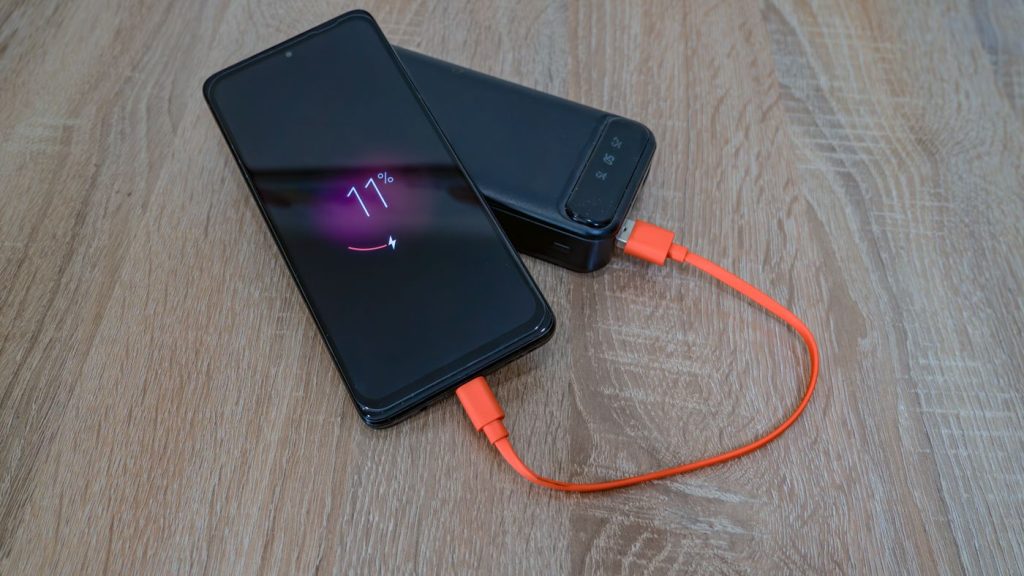
Samsung lists a damaged charger among the causes of a badly behaved touch screen, and its advice is to use an undamaged charger and to leave the screen alone while the phone is charging. There is research behind that. Work presented at the IEEE Symposium on Security and Privacy in 2022 showed that electrical noise fed down a charging cable can create touches on a capacitive screen that nobody made. What a laboratory did deliberately, a frayed cable, a counterfeit plug or a badly wired socket can do by accident.
Swap to the Samsung charger and cable that came with the phone, or another original set. Then try a different plug point, ideally in a different room. Car chargers and cheap adapters on a garage multiplug are both worth suspecting. A phone that taps by itself only on one charger and behaves on another has told you what to buy, and it is not a screen.
Damp, and why that matters on this coast
Samsung says a touch screen can malfunction in humid conditions or after contact with water, and that wiping it dry is the first thing to try. Durban makes that less of a footnote than it would be inland. Samsung also states that a phone which has never touched water can still show the moisture warning, because high humidity on its own is enough to trigger it.
If the phone has been wet, or a water drop icon has appeared, Samsung’s own sequence is short. Unplug it from the charger. Wipe the port with a dry cloth. Shake it gently five to ten times with the port facing downwards to release excess moisture, remembering Samsung’s warning that excessive force or shaking may cause damage to your phone. Then leave it on a cloth in a well ventilated place, or dry it with a fan. If the icon will not clear, Samsung says to contact a service centre.
Rice, hair dryers, ovens, cotton buds and compressed air appear nowhere in that advice.
Rule out an app before you blame the glass
A phone that taps by itself can be a misbehaving app rather than a broken screen, and safe mode separates the two without deleting anything. Safe mode starts the phone with third party apps switched off.
Switch the phone off. Switch it back on, and when the Samsung logo appears, press and hold the Volume down key until the phone has finished starting. Safe mode shows in the bottom left corner. To leave safe mode, restart the phone.
Use it in safe mode for as long as the ghost touch normally takes to show up. If the screen behaves the whole time, an app is doing it, and removing recent installs one at a time will find which. If it taps by itself in safe mode as well, no app is involved and you have narrowed the fault to the phone.
Let any pending software update install too, since Samsung lists outdated software and apps among the causes. If the ghost touch has taken over the screen completely and you cannot reach anything, press and hold the Side key and the Volume down key together for more than seven seconds, until the screen goes black and the Samsung logo appears.
Run Samsung's own touch screen test
Samsung Members carries a diagnostic that draws the fault for you. Open the Samsung Members app and find Diagnostics. In current versions of the app it sits under the Get help tab. Run the touch screen test, or tap Test all to run everything. Samsung’s diagnostics cover more than 24 features and functions, touch screen among them.
The touch screen test asks you to fill in every empty area of the screen with your finger. A band that will not fill, a corner that stays blank, or a patch that fills itself while your hand is nowhere near it shows the problem in a way that words do not. Screenshot the result. It is evidence on a phone that decides to behave for five minutes on a counter.
When none of that helps, it is the digitiser
The layer that senses your finger sits under the glass, bonded to the display as a single assembly. On a Galaxy it is not a separate part sitting behind the screen. It is part of the screen.
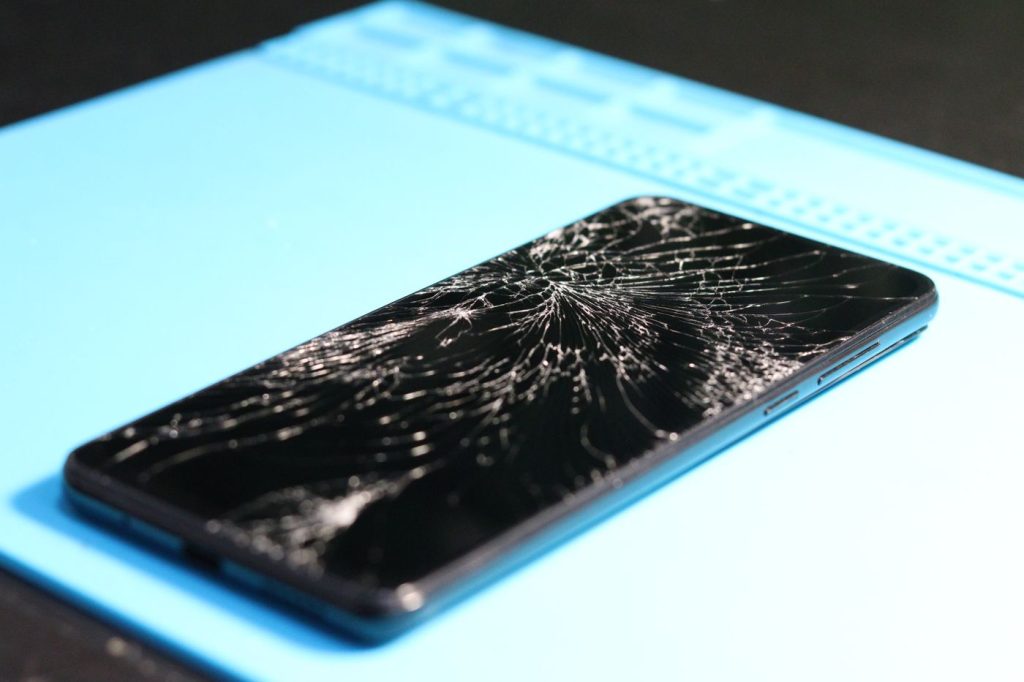
That layer fails in ways you cannot see. A drop that left the glass looking fine can still have fractured the sensing grid underneath. Pressure does it as well, from a phone in a back pocket or under a car seat. Moisture that got past a seal corrodes the flex where the screen joins the board.
Once that grid is damaged it reports contact that is not happening, and no setting, update or reset changes it. The pattern usually gives it away. It repeats in the same band or the same corner. It gets worse over weeks instead of better. It often arrives with a crack, a green line or a dark patch, because the same knock caused both.
The repair that fixes it
Ghost touch from a damaged touch layer is fixed by replacing the screen, because the touch layer and the display come as one part. There is no cheaper half of the job to do instead.
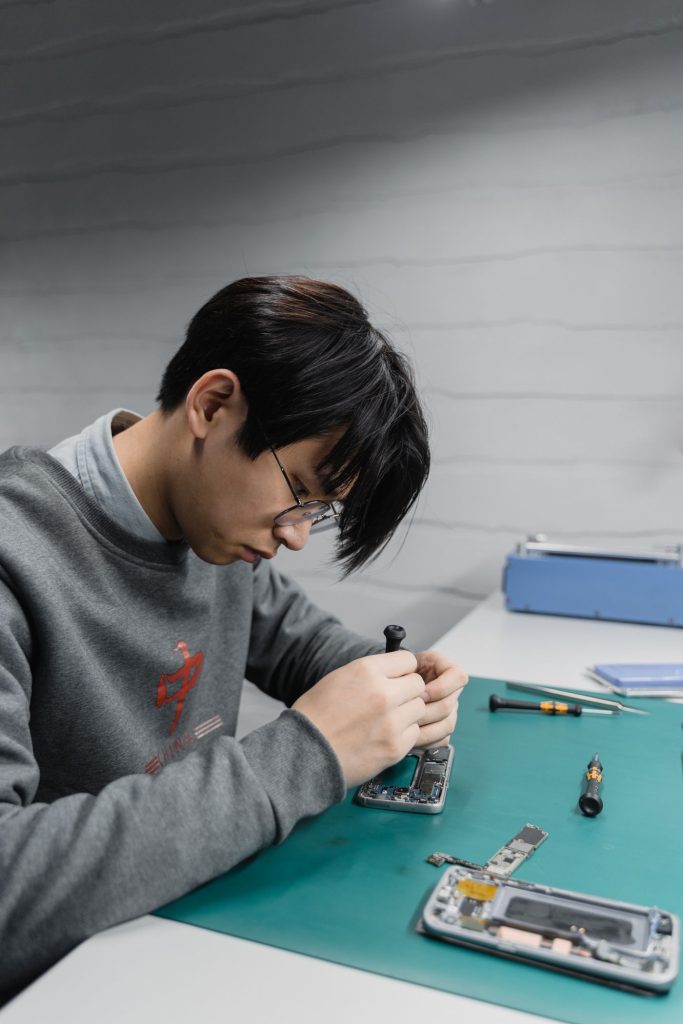
Onnuri Tech has been repairing Samsung phones since 2007 and fits original Samsung parts. The current price for your model is on the screen replacement page, and every model and every part is listed on the Samsung repair prices page. Prices include the part and the fitting. There is a three month warranty on the part and the work, and most jobs take three working days.
The work is done on site at Unit B, 31 Solstice Road, Umhlanga Ridge. There is no courier and no mail-in service, so the phone has to come in. People bring phones from across Durban, the north and south coast and inland, and some drive down from Gauteng.
Know your model before you come. Open Settings and tap About phone. The model number, serial number and IMEI are on that screen. Phone 031 569 2806 or WhatsApp 084 044 3444.
When it is not worth repairing
Not every phone with ghost touch should get a new screen.
On an old handset the screen can be the most expensive part left in it. Check what yours is selling for second hand, put that next to the figure on the screen replacement page, and the decision makes itself.
If the phone has been swimming and the ghost touch arrived with company, a screen may not be the end of it. Corrosion spreads. A phone that taps by itself and also drops calls, or will not charge, or has a camera that has stopped focusing, has more wrong with it than a screen.
If the phone is still inside its Samsung warranty, check with Samsung first.
And if the tapping stops the moment you unplug the charger, do not buy a screen. Buy a charger.
Common questions
Why is my Samsung phone touching by itself?
Something is making the screen read contact that is not there. Samsung names attachments to the screen, screen protectors included, damaged chargers, moisture and third party apps among the causes, and all four are free to test. Take the protector off and use the phone for fifteen minutes. Unplug the charger and watch. Wipe the screen dry. Then check for an app by starting the phone in safe mode. If it still taps by itself with the protector off, on a different charger, and in safe mode, the touch layer inside the screen has failed and the screen needs replacing. The price for your model is on the [screen replacement page](https://onnuritech.co.za/repairs/screen-replacement/).
Will a factory reset fix ghost touch?
Not if the touch layer is damaged, because a reset changes software and the fault is in the glass. Do not wipe the phone to find out either, since safe mode answers the same question and deletes nothing. Switch the phone off. Switch it back on, and when the Samsung logo appears, press and hold the Volume down key until the phone has finished starting. Safe mode shows in the bottom left corner. If the ghost touch continues in safe mode, no app is causing it and a reset will not help.
Can a screen protector really cause ghost touch?
Yes, and it is the first thing to rule out. Samsung says protectors that are not Samsung approved often have adhesive only along the edges, so the film does not sit flat and parts of the screen stop reading touch properly. Peel the whole protector off, wipe the glass, and use the phone for ten or fifteen minutes. This holds across the range, from an A15 to an S25 Ultra. If you want to keep a protector on, Samsung's fix is the Touch sensitivity setting, and since it has moved between One UI versions the quickest route is to open Settings and search for touch sensitivity.
My Galaxy only ghost touches while it is charging. What is wrong?
Almost always the charger or the cable rather than the phone. Samsung lists a damaged charger among the causes of touch screen trouble and advises using an undamaged one and not using the screen while the phone charges. Research presented at the IEEE Symposium on Security and Privacy in 2022 showed that electrical noise carried down a charging cable can generate touches nobody made. Swap to the original Samsung charger and cable, then try a different plug point. If the tapping continues on an original charger in a different socket, the screen is the next thing to look at.
Is ghost touch covered by warranty?
If the phone is still inside its Samsung warranty, check with Samsung first before paying anyone. Outside it, ghost touch is treated like any other screen fault, since the touch layer and the display are one part. The price for your model is on the [screen replacement page](https://onnuritech.co.za/repairs/screen-replacement/), it includes the part and the fitting, and Onnuri Tech gives a three month warranty on the part and the work.
How long does a Samsung screen replacement take, and can I post the phone in?
Most jobs take three working days. There is no courier and no mail-in service, so the phone comes in to Unit B, 31 Solstice Road, Umhlanga Ridge, and the work is done on site with original Samsung parts. Bring the model number with you. Open Settings and tap About phone. The model number, serial number and IMEI are on that screen. Phone 031 569 2806 or WhatsApp 084 044 3444 before you drive through.
Other Samsung faults