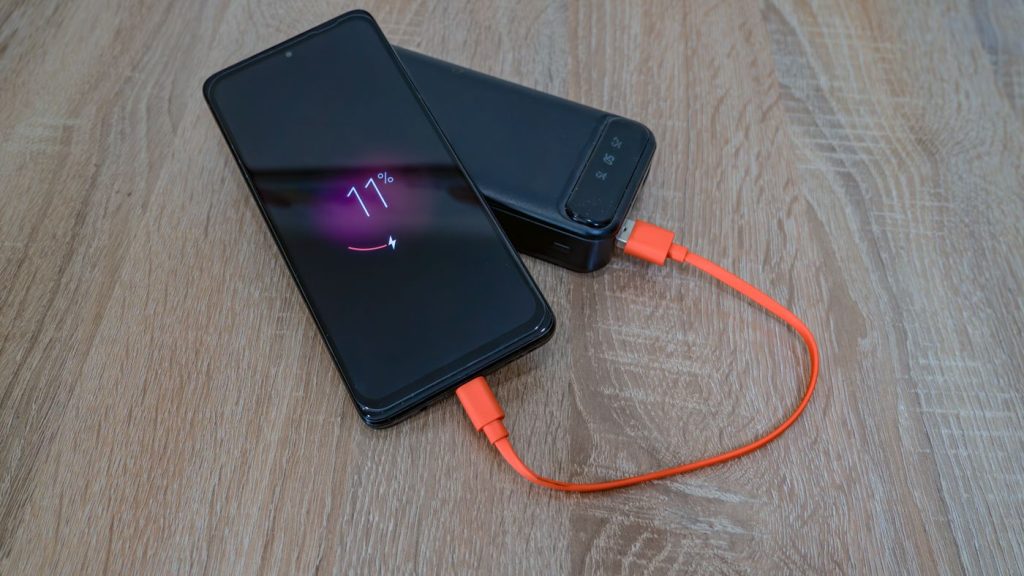
A Samsung that used to last a full day and now wants a charger by mid-afternoon is doing one of two things. Either something in the software is drawing power when it should not be, which costs nothing to put right, or the cell has worn down far enough that it no longer holds what it once did. From the outside the two feel identical. A handful of free checks, done over one evening and one night, will tell you which one you have.
Two problems that feel the same from the outside
Software drain is the phone working while you are not looking. An app that never goes idle, a sync that keeps retrying, a location service left switched on, background work that started after a One UI update. The battery is in good order. The phone is simply busy, and busy costs power.
Cell drain is the battery itself. A lithium cell that has taken a charge every day for a few years holds less than it did when it was new, and it also gets worse at supplying a sudden burst of current. That second half is what makes a phone die at 40 per cent. You open the camera, the phone asks for a surge, the voltage sags, and it shuts down. The reading was not lying. The cell could not hold up under load.
There is a third case, and it is not the battery at all. If the phone loses charge while it is plugged in, or if it charges at a crawl, look at the cable, the adapter and the port before you look at the cell. A charging port that makes and breaks contact will run a phone down with the cable still in it.
The free checks, in the order that settles it fastest
Start by fixing the date in your head. Drain that began within a day or two of a One UI update is a different problem from a battery that has been fading for months. An update changes what the phone is doing in the background while the battery has not changed at all. Restart the phone and give it a few days of ordinary use before you conclude anything.
Next, rule the apps in or out. Switch the phone off. Switch it back on, and when the Samsung logo appears, press and hold the Volume down key until the phone has finished starting. Safe mode shows in the bottom left corner. To leave safe mode, restart the phone. Safe mode runs the phone without the apps you installed, so leave it there for a few hours of ordinary standby and watch the percentage. If it holds far better than usual, an app is your problem and the battery is not.
Then find out which app. Open Settings and tap Battery. The battery figures live on that screen. Menu names have moved between One UI versions, so if the screen you land on does not list your apps and what each of them has used, search Settings for battery usage. Anything near the top that you did not actually use that day is the thing to look at. Uninstall it, or turn off its background activity, and watch the phone for a day.
While you are in Settings, check that the phone is not being held back on purpose. Open Settings, tap Battery, then tap Battery protection. On One UI 6.1 there are three settings. Basic stops charging at 100 per cent and starts again at 95 per cent. Adaptive uses Maximum overnight and Basic before you wake. Maximum stops charging at 80 per cent. On One UI 7 and later you set the Maximum limit yourself rather than being held at 80 per cent. On versions older than One UI 6.1 there is one setting only, which caps charging at 85 per cent. A phone sitting on Maximum starts every morning with less in the tank, and that reads exactly like a battery going flat too quickly.
Now measure instead of guessing. Charge to full, leave the phone alone overnight without touching it, and check the figure when you wake up. Do the same again once you have dealt with any app you found. That compares your phone against itself, which is the only comparison that means anything here, because no two people’s phones do the same work.
Last, ask the phone. Open the Samsung Members app and find Diagnostics. In current versions of the app it sits under the Get help tab. Run the battery test, or tap Test all to run everything. The battery test gives back a word rather than a number. Normal means no performance problem with the battery. Weak means efficiency may have dropped through long term use or the conditions the phone has lived in. Bad means the battery life has significantly degraded, and Samsung’s own advice on a Bad result is to visit a support centre.
What it means when none of that helps
A phone that still drains in safe mode, shows nothing unusual in its battery usage, and is not sitting on a charging limit has a battery problem rather than a software one.
What has happened inside is ordinary chemistry. Every charge and discharge takes a little off what the cell can hold, and heat takes more. A phone that lives on a car dashboard through a Durban summer, or charges under a pillow, or spends its working day in direct sun on a desk, ages faster than the same phone kept cool. Nothing has broken. The cell has used up its useful life, and the phone goes on reporting the same percentages against a smaller total than it had when it was new.
Two things follow from that. The phone starts dropping in jumps, sitting at 60 per cent for an hour and then falling to 20 per cent in ten minutes, because the reading is calibrated against a capacity the cell no longer has. And it shuts down with charge still showing on the screen, often when something demanding opens or on a cold morning.
A Weak or Bad result from the Samsung Members battery test on top of that is your confirmation. Samsung does not give every Galaxy a battery health percentage. The check Samsung documents is the battery test in Samsung Members, which reports the battery as Normal, Weak or Bad rather than a percentage. Some newer models, from the Galaxy S25 series on One UI 7 onwards, also show a battery information screen with a maximum capacity figure and a charge cycle count, but that screen is not on every phone and not in every country. If it is missing from your Settings, that is the software, not a fault.
One symptom is not wear and needs dealing with straight away. If the back cover is lifting at a corner, if the screen stands proud of the frame along one edge, or if the phone rocks on a flat table when it used to lie still, the cell is swelling. Stop charging it, keep it out of a hot car, and bring it in. A swelling cell presses on the screen and the frame from the inside, so a battery replacement at that point is a smaller job than the battery and screen together that follow if it is left.
The repair that fixes it
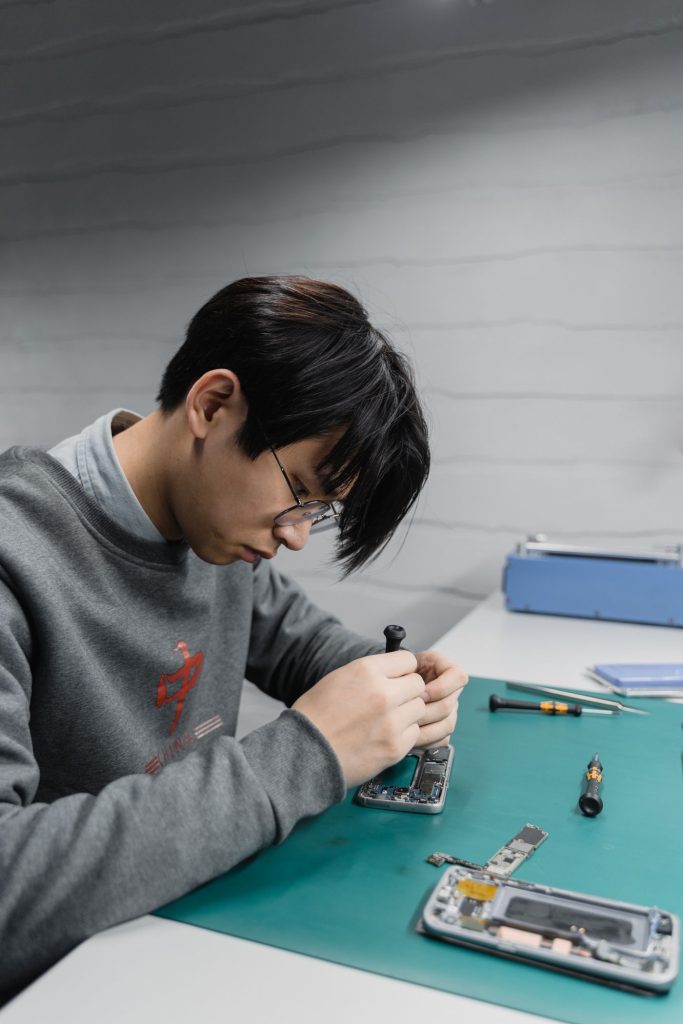
A worn or swollen cell gets replaced rather than repaired. The old battery comes out, an original Samsung battery made for that model goes in, and the phone runs on a full cell again. The current price for your model is on the battery replacement page, and every price for every model sits together on the Samsung repair prices page. What you see includes the part and the fitting.
You will need your model number to check it. Open Settings and tap About phone. The model number, serial number and IMEI are on that screen.
If the checks pointed at the charging port instead, at a phone that charges only when the cable sits at a certain angle, or one showing a water drop icon and refusing to charge, that is a different job and the current price is on the charging port repair page. Samsung’s own note on the water drop icon is that high humidity on its own can set it off, without the phone ever having been near water. On the Durban coast that happens.
Most jobs are finished in three working days, and the part and the work carry a three month warranty.
When it is not worth repairing
A new battery makes sense in a phone that is otherwise sound. It stops making sense when the battery is one of several things wrong at once.
If the screen is cracked as well, add the two figures on the Samsung repair prices page together first. Then look up what your model is currently selling for second hand and compare the two numbers yourself. That second figure moves month to month, so it needs checking on the day rather than taking on trust.
If the phone is old enough that it no longer receives software updates, a new battery buys you runtime and nothing else. On a phone that still does everything you need, that can be a sensible spend. On a phone you were already tired of, it is not.
If the phone is still inside its Samsung warranty, check with Samsung first. Bear in mind that Samsung’s warranty terms exclude normal wear and tear and name batteries in that exclusion, so a cell that has simply aged is unlikely to be treated as a warranty matter. A cell that has swollen or failed early is a different conversation, and one to have with Samsung while the cover still applies.
And if the free checks turned up an app rather than a battery, spend nothing. Deal with the app.
Bringing it in
Onnuri Tech has been repairing Samsung phones since 2007, from Unit B, 31 Solstice Road, Umhlanga Ridge in Durban. Batteries are original Samsung parts and the work is done on site, so the phone has to come to the counter. There is no courier and no mail-in.
People come in from across Durban and the wider area, from the north and south coast, from inland KwaZulu-Natal, and from Gauteng. Phone 031 569 2806 or WhatsApp 084 044 3444.
Common questions
Why is my Samsung battery draining fast after a One UI update?
An update changes what runs in the background without changing the battery. Restart the phone and give it a few days of ordinary use first. If it has not settled, switch the phone off, switch it back on, and when the Samsung logo appears press and hold the Volume down key until the phone has finished starting. Safe mode shows in the bottom left corner. If the drain stops in safe mode, an app you installed is the cause rather than the update itself, and the fix is free. To leave safe mode, restart the phone.
How do I know if my Samsung battery is actually bad?
Open the Samsung Members app and find Diagnostics. In current versions of the app it sits under the Get help tab. Run the battery test, or tap Test all to run everything. The result is a word rather than a percentage. Normal means no performance problem with the battery. Weak means efficiency may have dropped through long term use or the conditions the phone has lived in. Bad means the battery life has significantly degraded, and Samsung's advice on a Bad result is to visit a support centre. A Weak or Bad result on a phone that also drains in safe mode points at the cell rather than at software.
Why is my Samsung only charging to 80 per cent?
That is a setting, not a fault. Open Settings, tap Battery, then tap Battery protection. On One UI 6.1 there are three settings. Basic stops charging at 100 per cent and starts again at 95 per cent. Adaptive uses Maximum overnight and Basic before you wake. Maximum stops charging at 80 per cent. On One UI 7 and later you set the Maximum limit yourself rather than being held at 80 per cent. On versions older than One UI 6.1 there is one setting only, which caps charging at 85 per cent. A phone on Maximum starts the day with less available, which feels like fast draining even though the cell is fine.
Is a swollen Samsung battery dangerous?
Treat it as urgent. The signs are a back cover lifting at a corner, a screen standing proud of the frame, or a phone that rocks on a flat table when it used to lie still. Stop charging it, keep it out of a hot car, and bring it in. A swelling cell presses on the screen and the frame from the inside, so replacing it early is a smaller job than replacing a battery and a screen later. Onnuri Tech fits original Samsung batteries on site in Umhlanga Ridge, most jobs in three working days, with a three month warranty on the part and the work.
Does the Samsung warranty cover a worn battery?
Samsung's warranty terms exclude normal wear and tear, and batteries are named in that exclusion, so a cell that has faded gradually with daily use is unlikely to be covered. If your phone is still inside its Samsung warranty, check with Samsung first, particularly where the battery has swollen or failed early rather than worn out slowly. Outside of that, the current price for a replacement is on the [battery replacement page](https://onnuritech.co.za/repairs/battery-replacement/) and it includes the part and the fitting.
Can I replace a Samsung battery myself?
On current Galaxy models the battery sits behind a back cover that is glued on, so reaching it means heat, prying and re-sealing, and a swollen cell is the last thing you want to prise at. You also need the right cell for the exact model. Open Settings and tap About phone. The model number, serial number and IMEI are on that screen. Onnuri Tech fits original Samsung batteries at the counter in Umhlanga Ridge, usually within three working days, and the current price for your model is on the [battery replacement page](https://onnuritech.co.za/repairs/battery-replacement/).
Other Samsung faults