
Samsung Galaxy A71 Back Cover Replacement
This price is for the SM-A715F. To find your model number, open Settings, scroll down and tap About phone. The model number is on that screen.
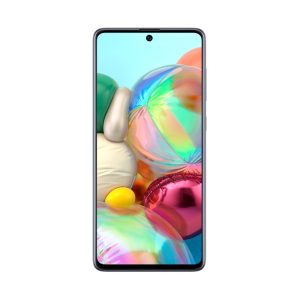
Three months warranty on the part and the work. Installed in under three working days.
- Samsung authorised service centre
- Original Samsung parts
- Listed on samsung.com as the Durban repair partner
- Serving Umhlanga and Durban since 2007
Rather have us call you?
Leave your name and number. We will call you back to confirm stock and a time that suits you.
A cracked or scuffed rear cover makes a phone feel older than it is, and sharp edges around a break can catch your hand. On the A71 the cover is bonded to the frame with adhesive, so prying it off without the right tools usually makes things worse.
We remove the old cover cleanly, fit an original Samsung replacement and bond it down properly. Part and fitting are included in the price shown.
Signs you need this repair
- Back cover cracked after a drop
- Corner of the cover lifting away from the frame
- Deep scratches and scuffs across the back
- Cover flexes or clicks when you press it
Samsung Galaxy A71 at a glance
| Display | 6.7 inch Super AMOLED Plus |
| Battery | 4500mAh |
| Released | 2020 |
Common questions
Can I keep using my A71 with a cracked back cover?
You can, but it is not ideal. The cover keeps dust and moisture away from the board and battery, and a crack is an open door for both. Sharp edges are also a hazard. Replacing it is a quick, low-cost way to protect the phone.
Do you have the A71 back cover in my colour?
We fit original Samsung covers in the colours Samsung supplies for the SM-A715F. Availability varies by colour, so send us your phone's colour before you come in and we will confirm stock. If your exact shade is unavailable, we will tell you the options.
Will the new cover sit flush like the original one?
Yes. It is an original Samsung part bonded with fresh adhesive, the same way the phone was assembled. Once fitted there are no gaps or lifted edges, and the phone looks and feels the way it did out of the box.
Other repairs for this device
Working out what is wrong
If you are not certain what has failed, these work through the symptoms.
- The screen stays black
- It will not charge
- The charge does not last the day
- A green or pink line down the display
- It went in water