
Samsung Galaxy A52 Charging Port Replacement
This price is for the SM-A525F. To find your model number, open Settings, scroll down and tap About phone. The model number is on that screen.
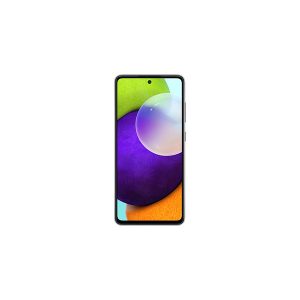
Three months warranty on the part and the work. Installed in under three working days.
- Samsung authorised service centre
- Original Samsung parts
- Listed on samsung.com as the Durban repair partner
- Serving Umhlanga and Durban since 2007
Rather have us call you?
Leave your name and number. We will call you back to confirm stock and a time that suits you.
When an A52 stops charging reliably, the USB-C port is the usual suspect. Pins bend, contacts wear, and pocket lint packs in at the bottom of the socket until the plug never quite seats.
Samsung builds the A52's port on a separate sub-board, which is what we replace, using an original part. That gives you a factory fresh port rather than a resoldered socket. Fitting is included in the price shown.
Signs you need this repair
- Have to wiggle the cable to get it charging
- Charging stops if the phone moves
- Fast charge no longer kicks in
- Phone will not connect to a laptop
Samsung Galaxy A52 at a glance
| Display | 6.5 inch Super AMOLED, 90Hz |
| Battery | 4500mAh |
| Released | 2021 |
Common questions
My A52 charges, but slowly. Is that the port?
It can be. Worn port contacts increase resistance, which makes the phone fall back to slow charging or drop the connection under load. Test with a known good cable and adapter first. If slow charging persists across accessories, the port sub-board is the likely fault.
Will I lose anything on the phone during a port repair?
No. The repair swaps a hardware board and does not involve your storage. Your apps, photos and messages stay untouched. As with any repair we suggest a backup beforehand, purely as good practice, especially if the phone has been struggling to hold charge.
The phone shows charging but the percentage does not go up. Port or battery?
It can be either, which is why we test rather than guess. A worn port can pass enough current to show the icon but not enough to charge, while a worn battery may not accept charge properly. We diagnose it and quote the repair that is actually needed.
Other repairs for this device
Working out what is wrong
A phone that will not charge is not always the port.